
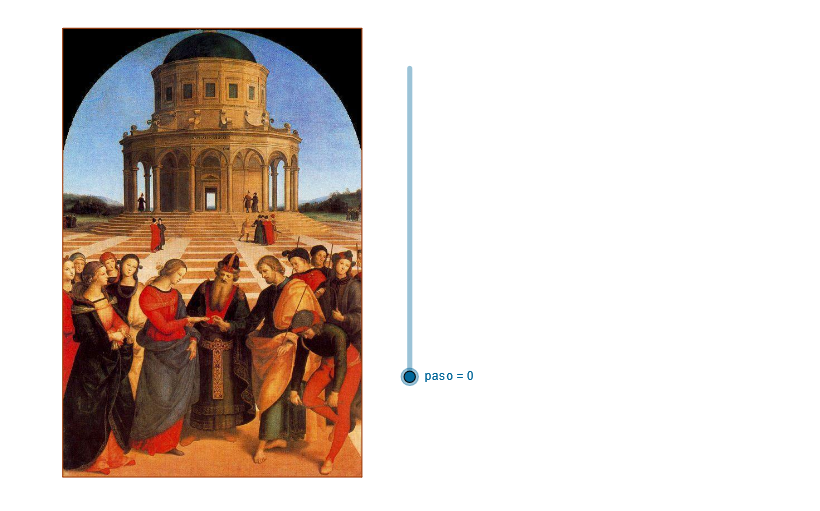
Rafael's Desposorios: Polygon in Circle with Similarity Transformation
Loading the math board and drawing, please wait…
In collections
geometriadinamica.es
This GeoGebra example demonstrates constructing multiple similar polygons inside a circle and applying dilation transformations. The core mathematical concepts include properties of cyclic polygons, similarity transformations, point symmetry, and geometric relationships between midpoints and intersections. Construction key points: Using Polygon command to create polygons, Circle command for the base circle, CircleArc for arcs, Midpoint command to find edge midpoints, Line and OrthogonalLine for lines and perpendiculars, Intersect to find intersections, and Dilate for similarity transformations. If commands are also used for dynamic control. This example is suitable for secondary school geometry teaching, helping students understand relationships between circles and polygons, applications of similarity transformations, and logical reasoning in geometric constructions.
GeoGebra Commands & Parameters
If(paso > 0 ∧ paso < 7, 1, 0) → t_1If(paso > 1 ∧ paso < 7, 1, 0) → t_2If(paso > 2 ∧ paso < 7, 1, 0) → t_3If(paso > 3 ∧ paso < 7, 1, 0) → t_4If(paso > 4 ∧ paso < 7, 1, 0) → t_5If(paso > 5 ∧ paso < 7, 1, 0) → t_6Line(H1, H2) → aLine(A, a) → bOrthogonalLine(A, a) → cPoint(b) → BDilate(B, pr, A) → DilCircle(A, Dil) → dIntersect(d, c) → D5, COrthogonalLine(C, c) → eOrthogonalLine(B, b) → fIntersect(f, e) → DPolygon(A, B, D, C) → P, a_1, b_1, d_1, c_1Midpoint(A, B) → EOrthogonalLine(B_1, a_1) → gIntersect(g, d_1) → FIntersect(g, a_1) → GSegment(G, F) → hCircle(F, C) → kOrthogonalLine(B_2, h) → iIntersect(h, i) → HCircle(H, F) → pSegment(B_3, A) → jPoint(j) → ICircleArc(I, B, A) → qSegment(B, B_4) → lPoint(l) → KPoint(l) → MCircle(K, M) → rCircle(M, K) → sPoint(r) → JPoint(r) → LPoint(s) → NPoint(s) → OCircleArc(M, N, O) → tPoint(q) → QCircleArc(Q, L, J) → e_1Intersect(t, e_1) → R, , ,Polygon(M, R, K) → S, k_1, m, r_1OrthogonalLine(B_5, b_1) → nPoint(n) → TPoint(n) → UPoint(h) → VConic(T, V, U, W, Y) → f_1OrthogonalLine(B_6, c_1) → g_1Point(g_1) → ZPoint(c_1) → C_1Segment(Z, C_1) → h_1Point(c_1) → D_1Segment(Z, D_1) → i_1Point(b_1) → F_1Segment(Z, F_1) → l_1Point(b_1) → G_1Segment(Z, G_1) → m_1Point(b_1) → H_1Segment(Z, H_1) → n_1Point(b_1) → I_1Segment(Z, I_1) → p_1Point(c_1) → J_1Segment(Z, J_1) → q_1Point(c_1) → K_1Segment(Z, K_1) → s_1Point(b_1) → E_1Segment(Z, E_1) → j_1Point(c_1) → L_1Segment(Z, L_1) → a_2
AI Drawing Prompt Reference
Construct a quadrilateral inside a circle, with vertices determined by intersections of a line and perpendiculars with the circle. From midpoints of its sides, draw perpendiculars to intersect sides, creating new points. Use these points as centers for circles and arcs. Apply a similarity transformation (dilation) to generate an inner similar polygon, revealing construction steps progressively. Finally, combine multiple arcs and intersection points to form a complex polygon, and add a curve passing through several points. The overall figure illustrates similarity transformations and geometric relationships within a circle.
The prompt above was compiled from the original drawing commands and is for reference only.