
Quadrics and Plane Intersection
Loading the math board and drawing, please wait…
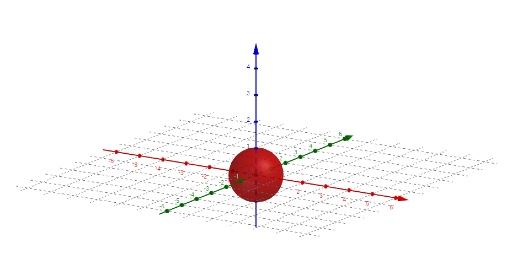
This example demonstrates the intersection of quadric surfaces with planes, visually illustrating the geometric relationships and shapes formed. Core mathematical concepts include quadric surfaces, plane equations, intersection operations, and parametric representations. GeoGebra commands like IntersectPath (for path intersection) and If (for conditional logic) are used, along with objects such as b, a, c, d, qu, a1, c1, b1, d1, ε, w, k, vz_a, vz_b, vz_c. It is suitable for high school and above students studying solid geometry and analytical geometry, helping them understand spatial shapes and calculations.
GeoGebra Commands & Parameters
IntersectPath(ε, qu) → kIf(a > 0, "+", "-") → vz_aIf(b > 0, "+", "-") → vz_bIf(c > 0, "+", "-") → vz_c
AI Drawing Prompt Reference
Create a 3D coordinate system showing a quadric surface (such as an ellipsoid or hyperboloid) intersected by a plane. The intersection curve between the plane and the surface should be clearly highlighted as a bold path. Near the surface or plane, display three symbols indicating the signs (positive or negative) of the coefficients a, b, and c in the equation, using plus and minus signs. The overall view should emphasize the spatial relationship between the surface and the plane, with the intersection curve prominent for geometric analysis.
The prompt above was compiled from the original drawing commands and is for reference only.