
Pythagorean Theorem Quiz Generator
Loading the math board and drawing, please wait…
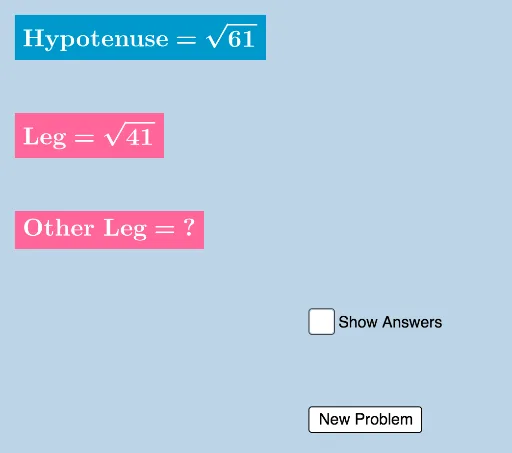
This example demonstrates the application of the Pythagorean Theorem by providing exact radical values of the lengths of the legs and hypotenuse of a right triangle. It generates quiz questions and provides feedback. It uses commands like Random and SurdText, suitable for middle school and above students to practice the Pythagorean Theorem.
GeoGebra Commands & Parameters
Random(2, 100) → cRandom(1, c - 1) → bRandom(1, 99) → aSurdText(hypans) → text1SurdText(legans) → text2Random(0, 1) → nSurdText(sqrt(a)) → text7SurdText(sqrt(b)) → text8SurdText(sqrt(c)) → text9SurdText(sqrt(a + b)) → text11SurdText(sqrt(c - b)) → text15
AI Drawing Prompt Reference
Draw a right triangle with two legs and a hypotenuse, all having random integer lengths that satisfy the Pythagorean theorem. Label each side with its exact length in radical form (e.g., square root of a number). Additionally, display three separate radical expressions: the square root of a random number, the square root of the sum of two random numbers, and the square root of the difference of two random numbers. Place these expressions as text near the triangle to serve as quiz items. The overall layout should be clear for students to observe side relationships and verify calculations.
The prompt above was compiled from the original drawing commands and is for reference only.