
Pythagorean Theorem Exploration by Tim Brzezinski (2)
Loading the math board and drawing, please wait…
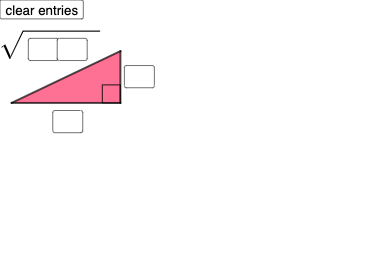
This example demonstrates the Pythagorean Theorem in right triangles by dynamically adjusting side lengths to verify its correctness. Key math concepts include right triangles, Pythagorean theorem, distance formula, and coordinate geometry. Construction involves commands like points, segments, angles, circles, intersections, interior angles, max, and conditional statements. Suitable for middle school and above to understand geometric and algebraic expressions of the theorem.
GeoGebra Commands & Parameters
Textfield(a) → InputBox1Textfield(b) → InputBox2Textfield(c) → InputBox3Textfield(d) → InputBox4Textfield(f) → InputBox5Textfield(g) → InputBox6Polygon(A, B, C) → t1, c_1, a_1, b_1Segment(C, B) → hSegment(B, A) → iSegment(A, C) → jAngle(C, B, A) → αCircle(D, a) → ePoint(e) → ECircle(E, b) → kCircle(D, sqrt((10 * c) + d)) → pIntersect(k, p, 2) → FPolygon(D, E, F) → t2, f_1, d_1, e_1Segment(D, E) → lSegment(E, F) → mSegment(D, F) → nInteriorAngles(t2) → β, γ, δMax({β, γ, δ}) → oIf(Length[Mode[l1]] ≟ 0, "No digits repeat!", "Repeated digits exist.") → text4
AI Drawing Prompt Reference
Draw a right triangle with dynamically adjustable legs to demonstrate the Pythagorean theorem. Include input boxes for leg lengths, use circles and intersections to construct the hypotenuse, and display the three interior angles. Differentiate the triangle and circles with colors, and label key points and segments.
The prompt above was compiled from the original drawing commands and is for reference only.