
Pyramid from Prisms
Loading the math board and drawing, please wait…
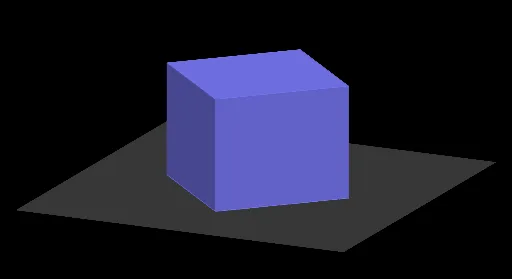
This example demonstrates how to generate a pyramid from prisms. Key mathematical concepts include solid geometry and geometric construction. Using the GeoGebra command Sequence, users can dynamically build prisms and observe their transformation into a pyramid. Suitable for high school mathematics education and students learning solid geometry.
GeoGebra Commands & Parameters
Sequence((((n - i) * a / n), 0, (i * h / n)), i, 0, n) → list2Sequence((0, ((n - i) * a / n), (i * h / n)), i, 0, n) → list1Sequence((((-(n - i)) * a / n), 0, (i * h / n)), i, 0, n) → list3Sequence((0, ((-(n - i)) * a / n), (i * h / n)), i, 0, n) → list4Sequence(Polygon[Element[list2, i], Element[list1, i], Element[list3, i], Element[list4, i]], i, 1, n) → list5Sequence(Prism[Element[list5, i], h / n], i, 1, n) → list6
AI Drawing Prompt Reference
Draw a pyramid formed by stacking multiple horizontal square prisms. Start with a square base, and layer by layer, each prism has a smaller square cross-section and a higher position, with the side length decreasing uniformly and the height increasing uniformly. Stack these prisms from bottom to top, each layer centered and shrinking, creating a stepped pyramid shape. The overall form is a four-sided pyramid composed of thin prism layers, illustrating the transition from prisms to a pyramid.
The prompt above was compiled from the original drawing commands and is for reference only.