
Pulse Reflection (Free End)
Loading the math board and drawing, please wait…
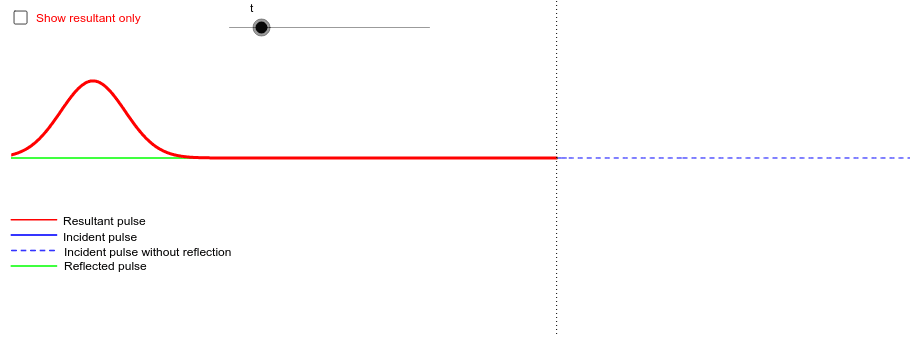
This example demonstrates the reflection of a pulse on a string. It shows the incident pulse, reflected pulse, and resultant pulse to help understand the reflection principle. Commands used include Polygon and Segment. Suitable for middle and high school physics and mathematics education.
GeoGebra Commands & Parameters
Polygon(Gl1, Gl2, Gl3, Gl4) → glpoly, gl1, gl2, gl3, gl4Polygon(Gr1, Gr2, Gr3, Gr4) → grpoly, gr1, gr2, gr3, gr4Segment(A, B) → cSegment(C, D) → dSegment(E, F) → fSegment(G, H) → g
AI Drawing Prompt Reference
Draw a diagram showing the reflection of a pulse at a free end, including the incident pulse, reflected pulse, and resultant pulse to illustrate the reflection principle. First, draw four line segments to represent the four parts of the pulse. Then, use the polygon tool to connect these segments to form the shapes of the incident and reflected pulses. Finally, connect the starting and ending points of the pulses with two line segments to represent the resultant pulse.
The prompt above was compiled from the original drawing commands and is for reference only.