
Problem 1: Cross Sections
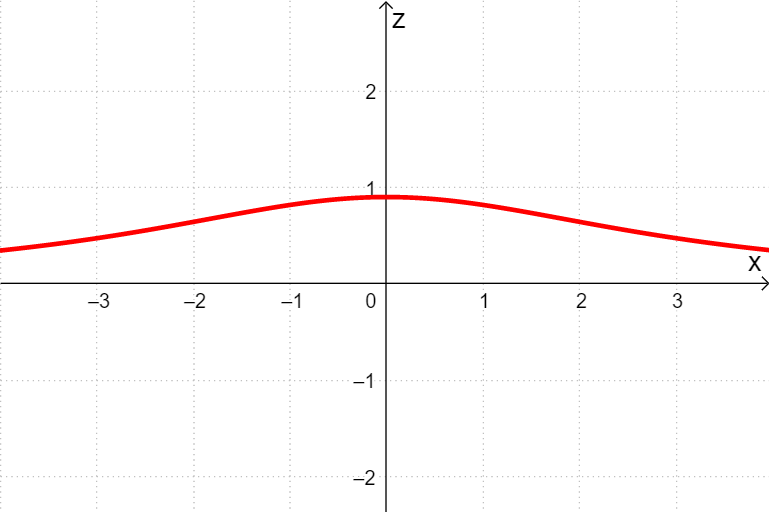
Loading the math board and drawing, please wait…
In collections
MATH1052-edX
① This example demonstrates how a plane intersects a solid in 3D space, generating and visualizing the resulting cross-section shape dynamically. ② Core mathematical concepts include solid geometry, cross-sections, geometric transformations of planes and solids, congruence, and an introduction to optimization problems. ③ Construction highlights: based on the construction summary, it uses GeoGebra commands such as If and IntersectPath, involving objects like function f, point A, plane p, equation eq1, auxiliary objects b, a, t, g, and text1, to dynamically control the section and display geometric relationships. ④ Suitable for high school or early college solid geometry teaching, as well as math labs or inquiry activities, helping students intuitively understand cross-sections and enhance spatial reasoning.
GeoGebra Commands & Parameters
If(a ≟ true, (0, t, 0), If[b ≟ true, (t, 0, 0)]) → AIf(a ≟ true, OrthogonalPlane[A, yAxis], If[b ≟ true, OrthogonalPlane[A, xAxis]]) → pIntersectPath(p, f) → eq1If(a ≟ true, f(x, t), If[b ≟ true, f(t, x)]) → gIf(a ≟ true, "x", If[b ≟ true, "y"]) → text1
AI Drawing Prompt Reference
Draw a cross-section shape formed by intersecting a plane with a solid. The plane intersects a function curve, and the cross-section shape changes with parameters. Include the function curve, plane, cross-section shape, and geometric relationships to help understand the concept intuitively.
The prompt above was compiled from the original drawing commands and is for reference only.