
Polar Coordinates Introduction
Loading the math board and drawing, please wait…
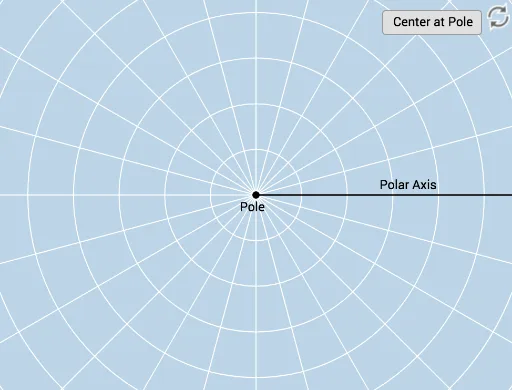
This example provides an interactive introduction to plotting points using polar coordinates. It covers the concept of representing points using angles and distances, involving trigonometric functions. Using commands like Rotate, Mirror, and Vector, it helps students understand the basics of the polar coordinate system. Suitable for high school math education.
GeoGebra Commands & Parameters
Ray(B, C) → fCircle(B, D) → cTextfield(r) → InputBox1Textfield(b) → InputBox2Rotate(D, b, B) → D'Rotate(D, If[0 < d ≤ 1, (d * b), b], B) → D'_1CircleArc(B, D'_1, D) → eCircle(B, D) → gRay(B, D') → hCircleArc(B, D, D'_1) → kAngle(D, B, D') → αAngle(D', B, D) → βCircle(B, abs(r)) → pIntersect(p, h) → A,Dilate(B, If[1 < d ≤ 2, 2 - d, 0], A) → B'Vector(B, B') → uLine(B, A) → iMirror(B, B) → B'_1Mirror(D', B) → D''Ray(B'_1, D'') → h'Mirror(u, B) → u'Intersect(p, i) → E, F
AI Drawing Prompt Reference
Draw a polar coordinate system introduction diagram, including a point B as the origin, a circle c centered at B, a circle p with radius r intersecting circle c at point A, a line i through point A intersecting circle p at points E and F, a ray h through point B intersecting circle p at point A, a ray h' through point B intersecting circle p at point B', a vector u through point B, a line i intersecting circle p at points E and F, and a ray h' through point B intersecting circle p at point B'.
The prompt above was compiled from the original drawing commands and is for reference only.