
Plotting Points via Distance in the Coordinate Plane
Loading the math board and drawing, please wait…
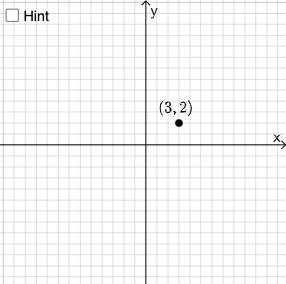
This example demonstrates how to plot points in the coordinate plane using distance. Key mathematical concepts include coordinate geometry and the Pythagorean theorem. It utilizes commands such as RandomElement, Intersect, Polygon, Segment, Angle, If, Circle, Point, and Textfield. Suitable for middle school and above students learning coordinate geometry.
GeoGebra Commands & Parameters
RandomElement(l1) → aIntersect(f, eq1) → FPolygon(A, F, E) → t1, e, a_1, f_1Segment(A, E) → gAngle(E, F, A) → αSegment(E, F) → hSegment(F, A) → iIf(a ≟ 50 ∨ a ≟ 65 ∨ a ≟ 85, 16, a ≟ 25 ∨ a ≟ 100, 12, 8) → noCircle(A, sqrt(a)) → cPoint(c) → GSegment(A, G) → jAngle(E, F, A) → βTextfield(C) → InputBox1Textfield(D) → InputBox2Textfield(I) → InputBox3Textfield(H) → InputBox4If(Distance[A, C] ≟ sqrt(a), "√", "x") → text6If(Distance[A, I] ≟ sqrt(a), "√", "x") → text5If(Distance[A, D] ≟ sqrt(a), "√", "x") → text7If(Distance[A, H] ≟ sqrt(a), "√", "x") → text8
AI Drawing Prompt Reference
In the coordinate plane, randomly select a point, construct a triangle using its intersection with another line, and draw a line segment from it. Then, draw a circle centered at this point with a random distance as the radius, find its intersections with the axes, and label the key distance relationships. Finally, add text boxes to display the results of distance calculations, demonstrating the application of coordinate geometry and the Pythagorean theorem.
The prompt above was compiled from the original drawing commands and is for reference only.