
Plotting Points to Form an Awkward Star
Loading the math board and drawing, please wait…
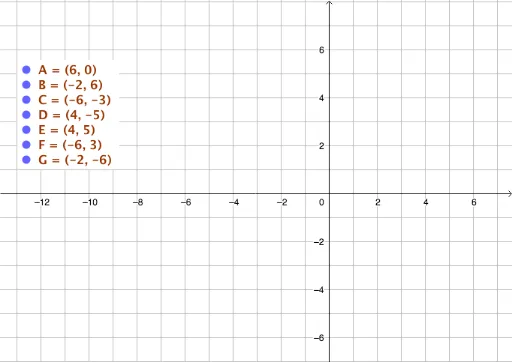
This GeoGebra example guides users through plotting discrete coordinate points to form an “awkward” (asymmetrical/irregular) star shape. It demonstrates coordinate geometry, polygon construction, angle measurement, and area calculation. Core concepts include coordinate geometry, polygon properties, and angle relationships. Construction involves using point objects (e.g., H, I) and line/segment commands to connect points in sequence, with optional slider controls for dynamic point movement. Suitable for middle-to-high school mathematics, it serves as an intuitive tool for understanding how ordered points generate complex geometric figures and can be extended to explore transformations or parametric patterns.
GeoGebra Commands & Parameters
Point H(-13, 1)Point I(-8.745275440833025, 1)
AI Drawing Prompt Reference
Draw an irregular star shape by placing a point H at coordinates (-13, 1) and another point I at (-8.75, 1). Then connect these points with line segments to form an asymmetrical star.
The prompt above was compiled from the original drawing commands and is for reference only.