
Plotting Points in 3D Space
Loading the math board and drawing, please wait…
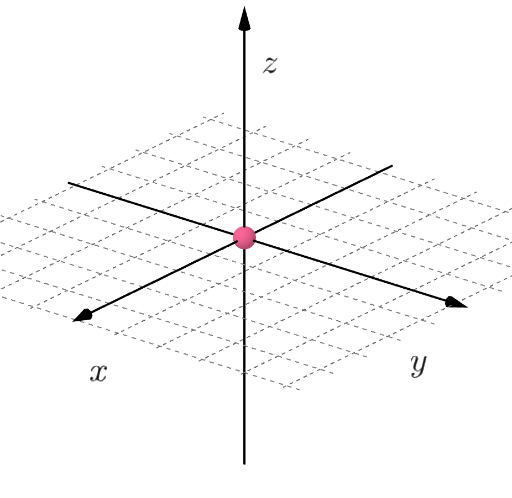
This example demonstrates how to plot ordered triples in 3D space. Key mathematical concepts include coordinate systems and coordinate geometry. Using commands like Intersect, Vector, and If, points and vectors can be constructed. Suitable for high school and above students to learn about points and vectors in 3D space.
GeoGebra Commands & Parameters
Intersect(yAxis, zAxis) → CVector(C, D) → uVector(D, E) → vVector(E, B) → wIf(c2, "y coordinate is correct.", "y coordinate is not correct.") → text3If(c1, "x coordinate is correct.", "x coordinate is not correct.") → text2If(c3, "z coordinate is correct.", "z coordinate is not correct.") → text4
AI Drawing Prompt Reference
Plot three coordinate axes in 3D space and show how to determine the position of a point using them. First, find the intersection point of the x-axis and y-axis, then draw a vector parallel to the z-axis from this point, followed by a vector parallel to the y-axis and another parallel to the x-axis. Also, label whether the x, y, z coordinates are correct based on the point's values.
The prompt above was compiled from the original drawing commands and is for reference only.