
Plotting Points in 3D: AR Template
Loading the math board and drawing, please wait…
In collections
GeoGebra 3D & AR: PreCalc & Calculus Resources
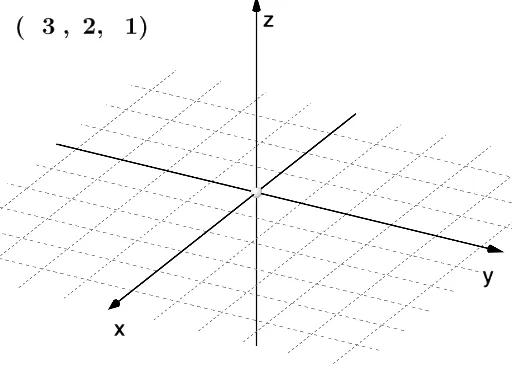
This example demonstrates dynamic and modifiable plotting of points in 3D space. Core math concepts include vectors, distance, and text display. Using GeoGebra commands like Dilate, Distance, Vector, and Textfield, points A, B, C, D and their corresponding points A', B', D' can be created, adjusted, and distances such as distanceDD', distanceAA', distanceBB' can be calculated. Suitable for high school and above students exploring solid geometry, vector operations, and spatial coordinate geometry.
GeoGebra Commands & Parameters
Dilate(D, If[0 < plotpoint ≤ 1, 1 - plotpoint, 0], A) → D'Dilate(A, If[1 < plotpoint ≤ 2, 2 - plotpoint, 0], B) → A'Dilate(B, If[2 < plotpoint ≤ 3, 3 - plotpoint, 0], C) → B'Distance(D, D') → distanceDD'Distance(A, A') → distanceAA'Distance(B, B') → distanceBB'Vector(D, D') → uVector(A, A') → vVector(B, B') → wTextfield(a) → InputBox1Textfield(b) → InputBox2Textfield(c) → InputBox3