
Plotting lg x and 10^x as Inverse Functions
Loading the math board and drawing, please wait…
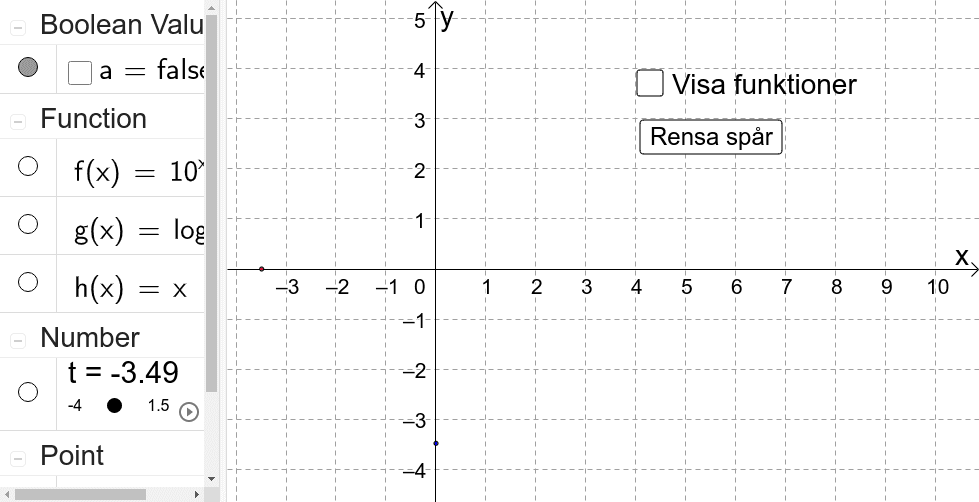
This example visualizes how the logarithmic function y=lg x and the exponential function y=10^x relate as inverse functions, showing that their graphs are symmetric with respect to the line y=x. It focuses on key ideas such as inverse functions, the inverse relationship between exponential and logarithmic functions, and graph reflection symmetry on the coordinate plane. Construction-wise, GeoGebra uses the command “Invert” to generate the inverse function from the original function (using objects like f, g and points/parameters such as A, B and additional auxiliary objects). The mirrored graph provides an immediate geometric interpretation of how inputs and outputs swap when moving from one function to its inverse. Suitable for upper secondary through pre-university students, and for instructional use in function graphing and algebra.
GeoGebra Commands & Parameters
Invert(f) → g
AI Drawing Prompt Reference
Draw the graphs of the logarithmic function y=lg x and the exponential function y=10^x. These functions are inverse functions, and their graphs are symmetric with respect to the line y=x. In the coordinate plane, first plot the graph of lg x, then plot the graph of 10^x, and finally show their symmetry about the line y=x. This helps to visualize the concept of inverse functions and the inverse relationship between exponential and logarithmic functions.
The prompt above was compiled from the original drawing commands and is for reference only.