
Plane and Quadric Surface Intersection
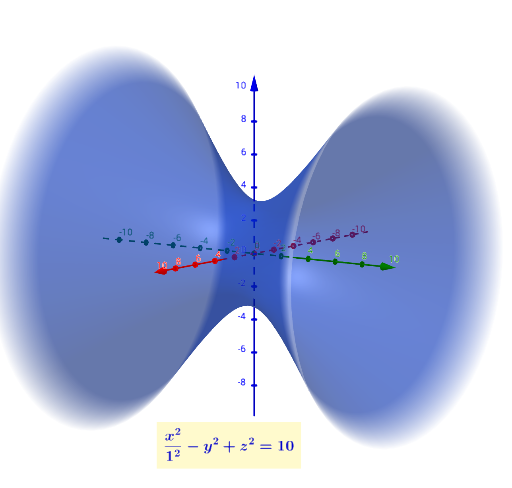
Loading the math board and drawing, please wait…
This example demonstrates the intersection points between a plane and quadric surfaces (e.g., sphere, ellipsoid) with dynamic adjustments. Key math concepts include spatial geometry, quadric surface equations, plane equations, and intersection calculations. The construction leverages commands like IntersectPath for tracing intersections and objects like b,a,f,g,c,d,e,h,l,m,n for visualization. Suitable for high school students and math enthusiasts to explore spatial geometry and analytical geometry, serving as an educational tool for parameterized demonstrations and locus analysis.
GeoGebra Commands & Parameters
IntersectPath(e, l) → mIntersectPath(e, s) → tIntersectPath(n, u) → c_1IntersectPath(d, u) → kIntersectPath(e, i) → q
AI Drawing Prompt Reference
Draw the intersection lines between a plane and a sphere, then an ellipsoid. Start by drawing a sphere and a plane, then adjust the plane to observe the changes in the intersection lines. Next, draw an ellipsoid and observe its intersection with the plane. Finally, use intersection commands to find the points where the plane intersects each surface and draw the intersection lines.
The prompt above was compiled from the original drawing commands and is for reference only.