
Botticelli's 'Primavera': Linear Regression and Cylindrical Surface Geometry Rec
Loading the math board and drawing, please wait…
In collections
geometriadinamica.es
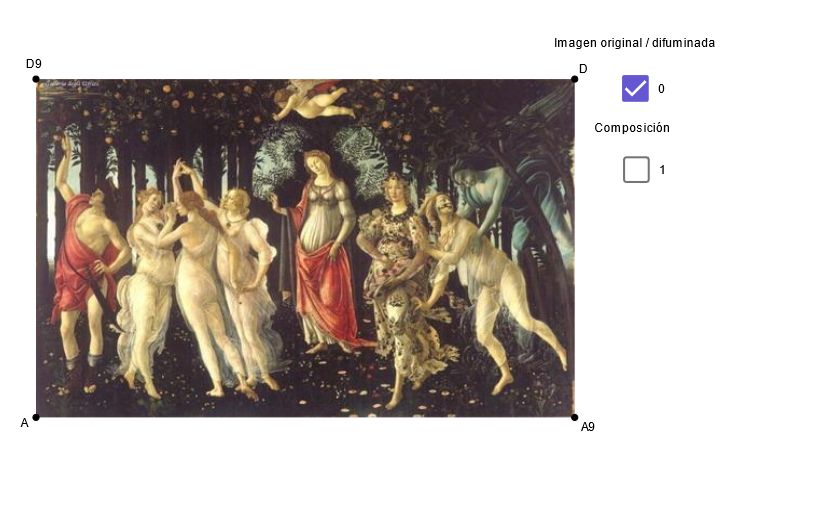
This GeoGebra example uses Botticelli's famous painting 'Primavera' as a visual backdrop to demonstrate how linear regression, cylindrical surfaces, and quadratic functions can model and reconstruct geometric elements within an image. Core mathematical concepts include linear regression (fitting trend lines to point sets), cylindrical surfaces (quadratic surfaces in 3D space), orthogonal lines and intersections (perpendicular relationships and position determination in geometric construction), and quadratic functions (describing curve shapes). Construction highlights: using GeoGebra commands such as Line, Point, OrthogonalLine, Intersect, and Segment to build fundamental geometric objects, with objects A, g, h, i, j, k, l, m, u, T2, T3, T, a, A9, b, pr, D9, c, d, e, f, D, dx, dy, A4, A5, A6, D6, D3, p, r, T1, D5, b1, c1, d1, e1, f1, pic1, and pic2 for image embedding and geometric overlay. Suitable for high school to university-level courses in mathematical modeling, analytic geometry, or computer-aided geometric design, as well as interdisciplinary explorations linking art and mathematics, helping students understand the application of abstract mathematical concepts to real image analysis.
GeoGebra Commands & Parameters
Line(A, T) → aPoint(a) → A9OrthogonalLine(A, a) → bLine(A, D9) → cLine(A, A9) → dOrthogonalLine(D9, c) → eOrthogonalLine(A9, d) → fIntersect(e, f) → DSegment(D6, A5) → pSegment(D3, A9) → rSegment(D5, A4) → b1Segment(D3, A6) → c1Segment(A6, D) → d1Segment(D5, A9) → e1Segment(D9, A6) → f1Segment(A, D3) → nSegment(D, A4) → qSegment(D6, A) → s
AI Drawing Prompt Reference
Place Botticelli’s “Primavera” image as the background and overlay a geometric construction. Start with a reference point A and a base line through A; draw a perpendicular line through A to establish orthogonal direction. Construct additional lines through A using other reference points on the image so that several of these lines are mutually perpendicular. Find the intersection point D of the key perpendicular lines, then draw line segments connecting D and the related reference points (including A4, A5, A6, A9 and intermediate points like D3, D5, D6) so that the segments form a local geometric framework supported by the orthogonality relationships.
The prompt above was compiled from the original drawing commands and is for reference only.