
Perpendicular Lines & y-Intercept Practice
Loading the math board and drawing, please wait…
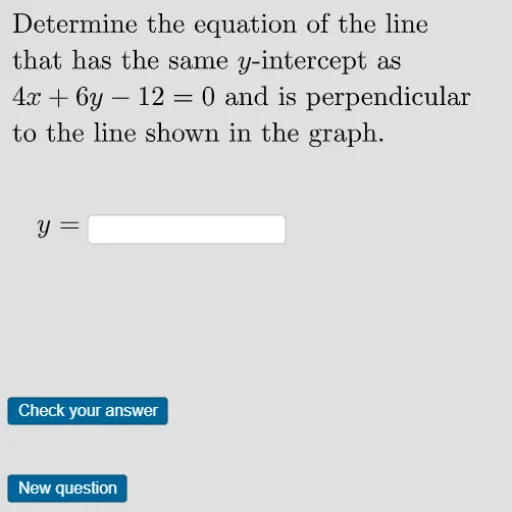
This GeoGebra activity provides dynamic practice for finding y-intercepts and deriving equations of perpendicular lines in randomized contexts. Key mathematical concepts include the relationship between slopes of perpendicular lines, y-intercept calculation, and linear equation formulation. Construction utilizes GeoGebra commands such as RandomElement, Random, Shuffle, Text, FractionText, and manages objects like points, slopes, intercepts, and interactive buttons. Designed for high school students studying coordinate geometry or linear functions, it supports conceptual understanding and procedural fluency through visual and interactive engagement.
GeoGebra Commands & Parameters
RandomElement({4, -4, -0.25, 0.25, 2, -2, 0.5, -0.5, 3, -3, 1 / 3, -1 / 3}) → slopeRandom(1, 15) → listelementRandomElement({-6, -5, -4, -3, -2, -1, 1, 2, 3, 4, 5, 6}) → yintText(If[slope > 0, "-", ""]) → slopeperpsignFractionText(abs(perpslope)) → slopeperpfractionFractionText(abs(slope)) → slopefractionText(If[slope < 0, "-", ""]) → slopesignShuffle(yintsigns) → shuffleyintsigns, {"-", "+"}Corner(5) → dimsText(If[ycoeff < 0, "-", "+"]) → ycoeffsignText(If[constant < 0, "-", "+"]) → constantsignRandomElement({-9, -8, -7, -6, -5, -4, -3, -2, 2, 3, 4, 5, 6, 7, 8, 9}) → xcoeffTextfield(aaaaa) → InputBox1Text(If[b < 0, "-", "+"]) → bsignText(If[kk < 0, "-", "+"]) → finalbsign
AI Drawing Prompt Reference
Draw two perpendicular lines, with one line having a slope that is a randomly generated positive or negative number, and the other line having a slope that is the negative reciprocal of the first line's slope. Set the y-intercepts of both lines to random integers. Plot these lines on a coordinate plane and display their equations.
The prompt above was compiled from the original drawing commands and is for reference only.