
Parametric Curves 1.1
Loading the math board and drawing, please wait…
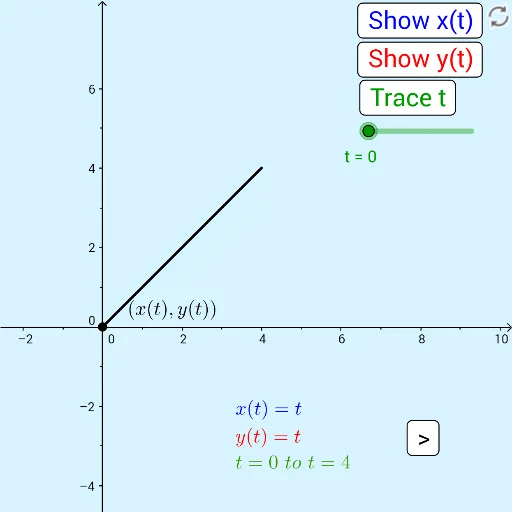
This example demonstrates the construction of parametric curves. Key mathematical concepts include parametric equations and coordinate geometry. Using commands like CurveCartesian and Segment in GeoGebra, you can create parametric curves. Suitable for high school mathematics education and learning parametric equations.
GeoGebra Commands & Parameters
CurveCartesian(If[choice ≟ 1, x_{1}(t), choice ≟ 2, x_{2}(t), choice ≟ 3, x_{3}(t), choice ≟ 4, x_4(t)], 0, t, start_t, end_t) → c_xCurveCartesian(If[choice ≟ 1, x_{1}(t), choice ≟ 2, x_{2}(t), choice ≟ 3, x_{3}(t), choice ≟ 4, x_4(t)], If[choice ≟ 1, y_{1}(t), choice ≟ 2, y_{2}(t), choice ≟ 3, y_{3}(t), choice ≟ 4, y_4(t)], t, start_t, end_t) → cCurveCartesian(0, If[choice ≟ 1, y_{1}(t), choice ≟ 2, y_{2}(t), choice ≟ 3, y_{3}(t), choice ≟ 4, y_4(t)], t, start_t, end_t) → c_ySegment(A_y, A) → fSegment(A_x, A) → g
AI Drawing Prompt Reference
Draw several parametric curves based on different parameter equations to show their trajectories, use line segments to connect the starting and ending points, demonstrating the relationship between parametric equations and coordinate geometry, first draw the curves, then add connecting line segments, presenting the geometric construction process of parametric curves as a whole.
The prompt above was compiled from the original drawing commands and is for reference only.