
Parallelogram Slide: A Method to Measure Area
Loading the math board and drawing, please wait…
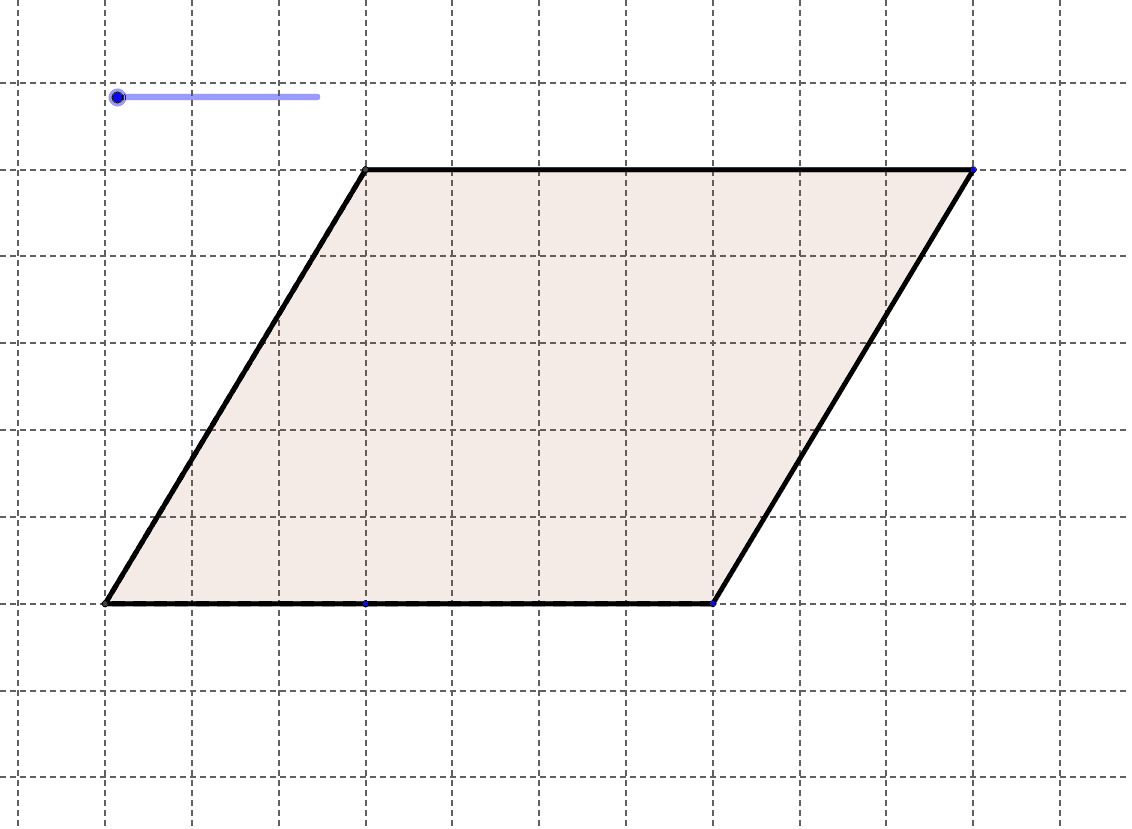
This example demonstrates how to measure the area of a parallelogram using a sliding mechanism. Key mathematical concepts include area calculation and geometric transformations. Using GeoGebra commands such as Segment and Polygon, the area changes dynamically. Suitable for middle school and above students to learn geometric transformations and area calculation.
GeoGebra Commands & Parameters
Segment(A, C) → aSegment(C, D) → bSegment(D, B) → cSegment(B, A) → dSegment((e, 0), (3 + e, 0)) → fSegment((e + 3, 0), (e + 3, 5)) → gPolygon(G, E, F) → poly1, f_1, g_1, e_1Polygon(H, B, D, C) → poly2, h, b_1, d_1, c_1Segment(A, H) → iSegment(H, B) → jSegment(H, B) → kSegment(C, A) → l
AI Drawing Prompt Reference
Draw a parallelogram and use a sliding mechanism to measure its area. First, draw the four sides AB, BC, CD, and DA. Then, draw a sliding segment from point A to H. Next, draw two rectangles, one partially covering the parallelogram and the other fully covering it. Finally, draw segments from A to H and from H to B.
The prompt above was compiled from the original drawing commands and is for reference only.