
Building Parallelograms in the Coordinate Plane (Version 1)
Loading the math board and drawing, please wait…
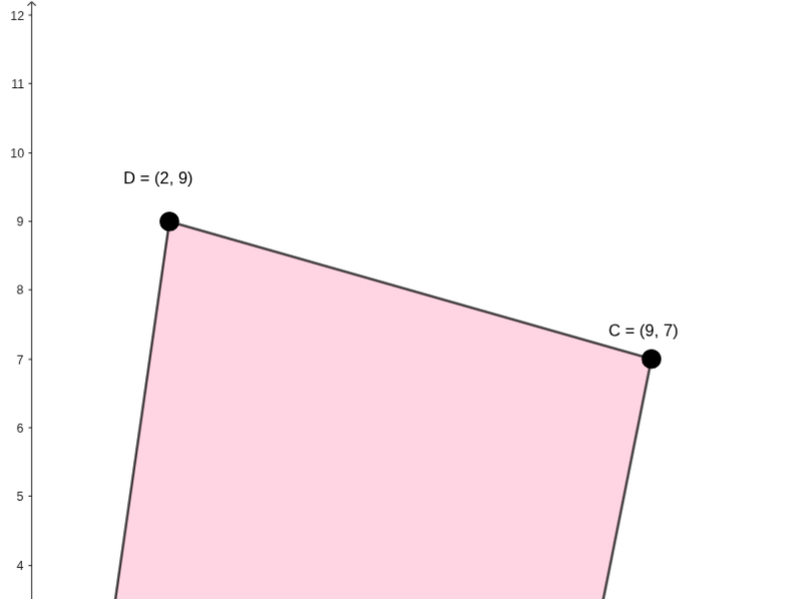
This example demonstrates how to construct a parallelogram in the coordinate plane using given points and verify its geometric properties. The core mathematical concepts include the definition of a parallelogram (opposite sides parallel and equal), coordinate geometry relationships between points and segments, and using length calculations to confirm correctness. Construction details: GeoGebra commands such as PointIn to place points, Polygon to form the quadrilateral, Segment to draw sides, Length to measure side lengths, along with interactive elements like a button (button1) and text objects (text2, text3, etc.) for feedback, and sliders for dynamic parameter adjustment. Suitable for middle school to high school students, this example helps learners understand coordinate-based construction and property verification, and serves as an interactive teaching tool for geometry lessons.
GeoGebra Commands & Parameters
PointIn(e) → APointIn(e) → BPointIn(e) → CPointIn(e) → DPolygon(A, B, C, D) → q1, a_1, b_1, c_1, d_1Segment(A, B) → fSegment(B, C) → gSegment(C, D) → hSegment(D, A) → iMode(l1) → l2Length(l2) → k
AI Drawing Prompt Reference
Draw a parallelogram on the coordinate plane with four given points A, B, C, and D. First, place points A, B, C, and D on line e. Then, use these four points to construct a quadrilateral q1. Next, draw the four sides of the quadrilateral: from A to B, B to C, C to D, and D to A. Finally, measure the lengths of AB and CD to check if they are equal, and the lengths of AD and BC to check if they are equal.
The prompt above was compiled from the original drawing commands and is for reference only.