
Parallelogram Construction with Segments and Vectors
Loading the math board and drawing, please wait…
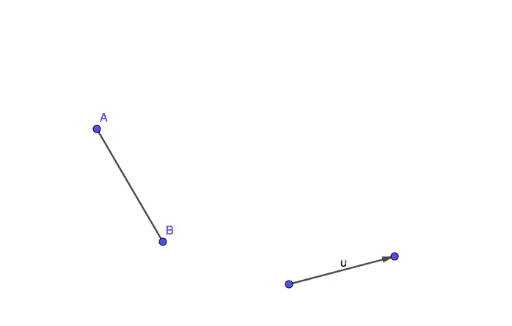
This GeoGebra example demonstrates how to construct a parallelogram and explore the relationships among its vertices, sides, and vector translations. The main mathematical concepts include parallelogram properties, segment construction, vector representation, translation, and point naming. In the construction, the Segment command connects objects such as A and B to form sides, while the Vector command or vector object u defines direction and length; objects f, C, and D help position vertices and close the figure. It is suitable for middle-school geometry, high-school vector and coordinate geometry lessons, classroom demonstrations, and student exploration of parallelogram construction.
GeoGebra Commands & Parameters
Segment(A, B) → fVector(C, D) → u
AI Drawing Prompt Reference
Draw a geometry-construction diagram of a parallelogram: first create one line segment as a side, then draw an arrowed vector to represent a translation direction and length. Use that vector to locate the remaining vertices so that the four vertices form a closed parallelogram. Emphasize the relationships among the sides, vertices, and vector translation, suitable for classroom demonstration of parallelogram properties and vector construction.
The prompt above was compiled from the original drawing commands and is for reference only.