
Parabola Locus: Geometric Construction of Focus and Directrix
Loading the math board and drawing, please wait…
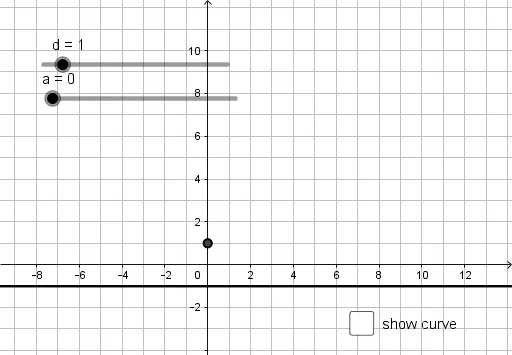
This GeoGebra example dynamically demonstrates the locus of a parabola, illustrating the fundamental definition: the set of points equidistant from a fixed point (focus) and a fixed line (directrix). Core mathematical concepts include conic sections, focus, directrix, locus, and reflection properties. The construction uses GeoGebra commands such as Circle, Intersect, and Locus to build the focus, directrix, and moving points satisfying the distance condition, thereby generating the parabolic curve. This resource is suitable for middle or high school students learning analytic geometry or conic sections, helping them grasp the geometric essence of a parabola and explore how the locus changes when parameters are adjusted.
GeoGebra Commands & Parameters
Circle(A, a) → cIntersect(c, h, 1) → BIntersect(c, h, 2) → CLocus(B, a) → loc1Locus(C, a) → loc2
AI Drawing Prompt Reference
Draw a parabola by constructing it with a fixed focus point and a directrix line. First, draw a circle with the focus as the center and the distance to the directrix as the radius. Then, find the intersection points B and C of the circle and the directrix. These points are equidistant from the focus and the directrix. Finally, draw the locus of points equidistant from the directrix starting from B and C to form the parabola.
The prompt above was compiled from the original drawing commands and is for reference only.