
P4 Frame Geometry Demonstration
Loading the math board and drawing, please wait…
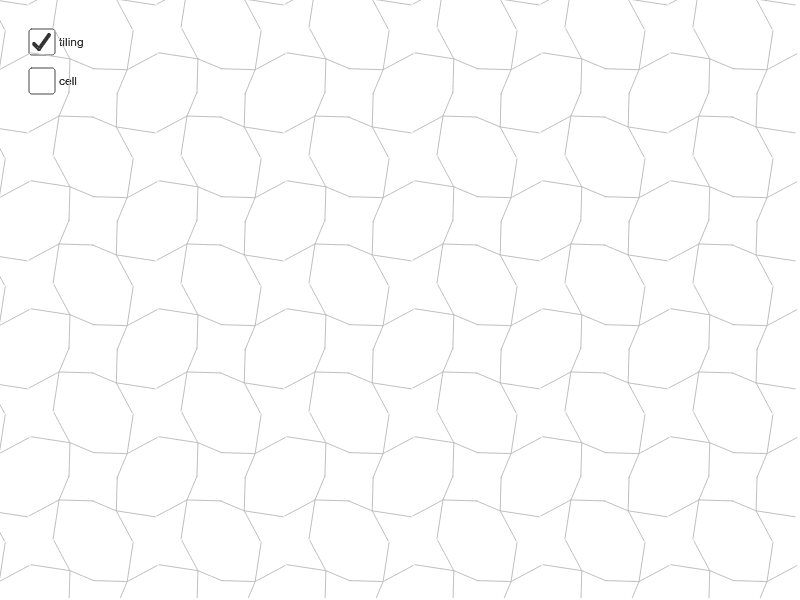
This example demonstrates geometric constructions and transformation phenomena within the P4 frame; core math concepts include symmetry, general quadrilateral, area calculation, square, logarithmic function, confidence interval, etc.; construction highlights are derived from the command summary, utilizing GeoGebra commands/objects like midpoint, vector, segment, rotation, sequence; suitable for high school and above learners to understand the integration of geometric transformations and data analysis.
GeoGebra Commands & Parameters
Midpoint(A, B) → EMidpoint(B, D) → FMidpoint(D, C) → GMidpoint(C, A) → HMidpoint(C, B) → IVector(A, B) → uVector(A, C) → vVector(C, D) → wVector(B, D) → aSegment(H, F) → bSegment(E, G) → cSegment(J, K) → eSegment(K, L) → fSegment(K, M) → gSegment(K, N) → hRotate(cell1, 90*°, I) → cell2Rotate(cell1, 180*°, I) → cell3Rotate(cell1, 270*°, I) → cell4Sequence(Translate[Sequence[Translate[tile, Vector[(n * u)]], n, -3, 3], Vector[(m * v)]], m, -3, 3) → tilingSegment(H, I) → kSegment(E, I) → l
AI Drawing Prompt Reference
Draw a quadrilateral, mark the midpoints of each side, and connect the midpoints of opposite sides to form a parallelogram. From one vertex, draw three vectors representing the adjacent sides. Use vector rotation to construct symmetric shapes and translate these vectors on the plane to create a grid pattern. Finally, connect specific points to form additional geometric structures, demonstrating symmetry and transformation phenomena.
The prompt above was compiled from the original drawing commands and is for reference only.