
Orthocenter Practice: Construction and Verification in Right Triangles
Loading the math board and drawing, please wait…
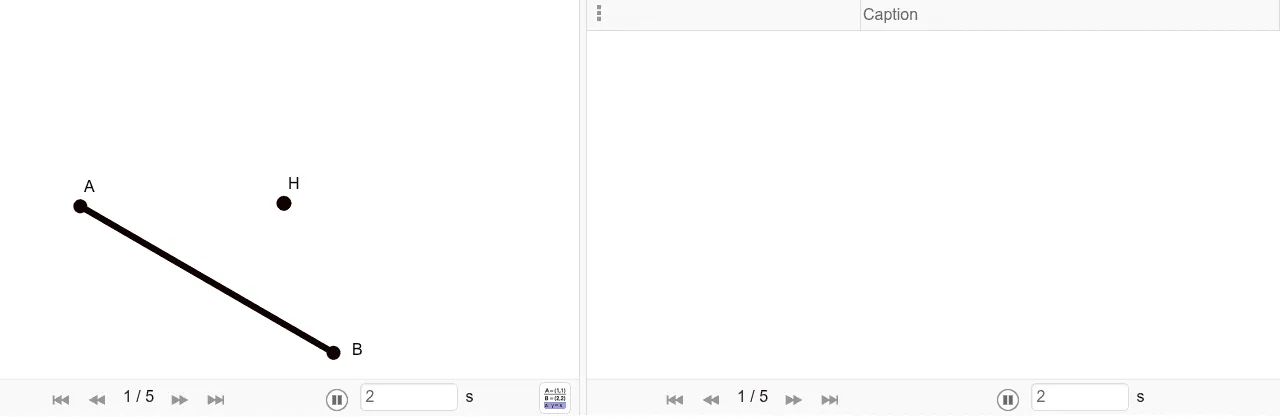
This example demonstrates how to construct the orthocenter of a triangle and verify its position using interactive geometric constraints. It focuses on the core ideas of triangle altitudes (high lines), the orthocenter (Orthocenter), perpendicular-line construction (orthogonal line), angle constraints via the Angle tool, and determining key points as intersections using Intersect. In GeoGebra, the construction is built with Segment and Ray to form the needed lines, OrthogonalLine to draw altitude-like perpendicular lines from triangle vertices to opposite sides, Angle to represent or enforce critical angle relationships (notably those tied to right-triangle conditions), and Intersect to compute where these altitudes meet, yielding the orthocenter H. The labeled points and auxiliary objects (e.g., A, B, C and intermediate constructs) support step-by-step verification. Suitable for secondary school geometry practice, classroom demonstrations, and student self-study on classical triangle geometry.
GeoGebra Commands & Parameters
Segment(A, B) → fRay(A, H) → h_aRay(B, H) → gOrthogonalLine(A, g) → hOrthogonalLine(B, h_a) → iAngle(g, h) → αAngle(h_a, i) → γIntersect(i, h) → CSegment(A, C) → jSegment(C, B) → k
AI Drawing Prompt Reference
Draw a right triangle with vertices A, B, and C. Construct altitudes from A to BC, from B to AC, and from C to AB. These altitudes intersect at point H, the orthocenter of the right triangle. Ensure the triangle and altitudes are clearly visible to understand the geometric properties of right triangles.
The prompt above was compiled from the original drawing commands and is for reference only.