
Demonstrating Lines, Rays, and Segments
Loading the math board and drawing, please wait…
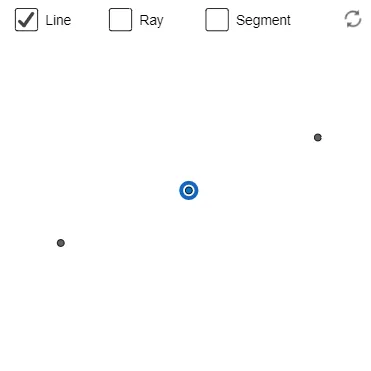
This GeoGebra example visually contrasts three fundamental types of geometric “lines”: lines, rays, and segments, emphasizing how endpoint constraints and directions affect their geometric meaning. It covers core concepts such as points, infinite lines, half-infinite rays starting from an endpoint, and finite line segments with two endpoints. Using the construction summary, the model creates many point objects (A, B, C, D, E, F, G, H, I, J) and then applies GeoGebra commands Line, Ray, and Segment to generate the corresponding geometric entities. The resulting diagram supports quick recognition of differences between infinite extension versus limited length and one-sided extension. Suitable for middle school to high school geometry lessons, concept teaching, and geometry construction practice.
GeoGebra Commands & Parameters
Line(A, B) → fRay(A, B) → gSegment(A, B) → hPoint(f) → EPoint(g) → FPoint(h) → G
AI Drawing Prompt Reference
Draw a line, a ray, and a segment all starting from point A and passing through point B. Then mark three new points E, F, and G on the line, the ray, and the segment, respectively.
The prompt above was compiled from the original drawing commands and is for reference only.