
Optimal Regular Hexagon (#12)
Loading the math board and drawing, please wait…
In collections
The Right Tool - games (Introduction to Constructions)
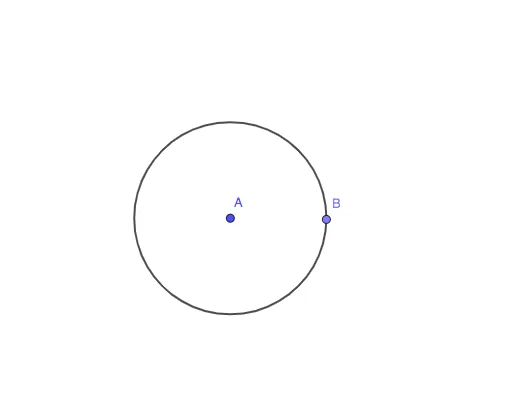
This example demonstrates how to construct a regular hexagon that is optimal under given constraints (e.g., maximum area or minimum perimeter) and explores its geometric properties. Core math concepts include regular polygon properties, optimization, and the roles of circles and segments in construction. Construction highlights: using GeoGebra commands Circle, Point, and Segment, with objects A (center), c (circle), B (vertex), f (side), and d (auxiliary point), allowing dynamic adjustment of vertices to observe shape changes. Suitable for high school geometry or mathematical modeling courses, this helps students understand symmetry, optimality conditions, and dynamic geometric exploration.
GeoGebra Commands & Parameters
Circle(A, 5) → cPoint(c) → BSegment(A, B) → fCircle(A, B) → d
AI Drawing Prompt Reference
Draw a circle with a fixed radius centered at a point. Place a vertex on the circle, then connect the center to this vertex with a radius segment. Using the same center, draw a second circle passing through that vertex to help determine the other vertices of a regular hexagon. The final figure shows two concentric circles and one radius, with the hexagon's sides defined by the radius and the auxiliary circle, highlighting symmetry and optimality.
The prompt above was compiled from the original drawing commands and is for reference only.