
Number Line Drawing Tool
Loading the math board and drawing, please wait…
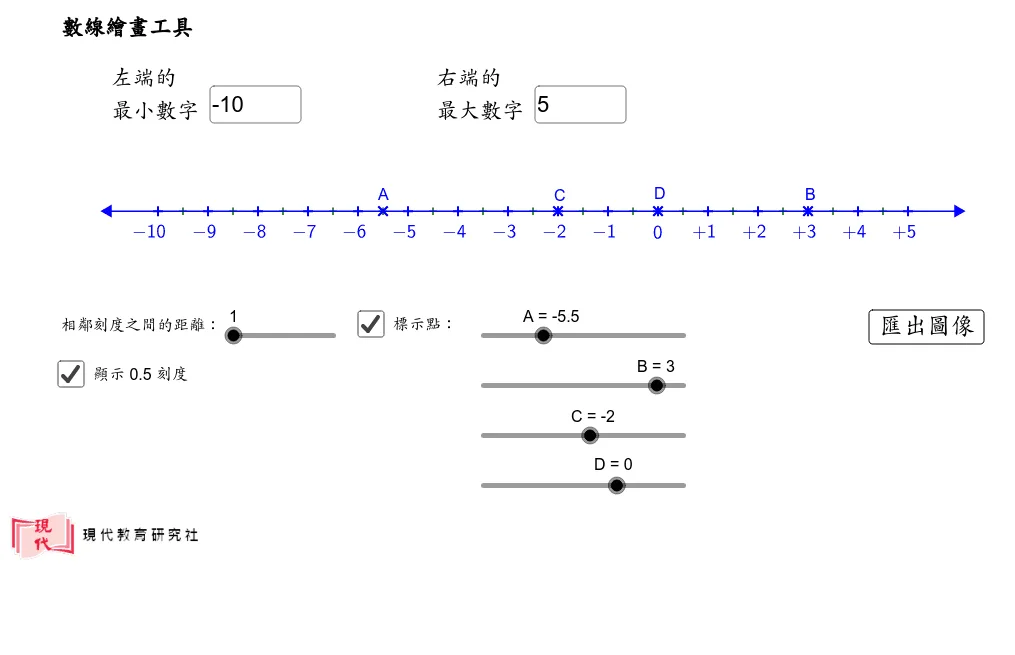
This interactive GeoGebra example presents a number line drawing tool that allows users to dynamically adjust parameters via input boxes and sliders, generating points, segments, and geometric figures on the number line. The core mathematical concepts include coordinate representation on a number line, segment construction, sequence generation, and the association of geometric objects (such as circles, tangents, and vectors) with the number line. The construction uses GeoGebra commands such as Segment to draw segments, Sequence to create point lists, and Textfield/InputBox for user input. Key objects include d, a, b, left, e, right, f, multiple lists (list1, list2, etc.), and text labels for displaying values. This tool is suitable for middle and high school mathematics education, helping students visualize number lines, coordinates, geometric constructions, and dynamic interactions, and can also be used to explore functions or transformations.
GeoGebra Commands & Parameters
Segment(left, right) → fSequence((x(left) + i, y(left)), i, 1, e + 1, 1) → list1Sequence(floor(a + (d * i)), i, 0, e, 1) → list2Sequence(If[Element[list2, i] < 0, "-", If[Element[list2, i] > 0, "+"]], i, 1, e + 1, 1) → list5Sequence((Element[list5, i] * sqrt(Element[list2, i]^(2))), i, 1, e + 1, 1) → list6Sequence(If[Element[list2, i] ≤ -10, 2, If[Element[list2, i] ≥ 10, 2, If[Element[list2, i] < 0, 1, If[Element[list2, i] > 0, 1, -0.2]]]], i, 1, e + 1, 1) → list7Textfield(a) → InputBox1Textfield(b) → InputBox2Sequence((x(left) + i + 0.5, y(left)), i, 1, e, 1) → list8