
Number Bar 20
Loading the math board and drawing, please wait…
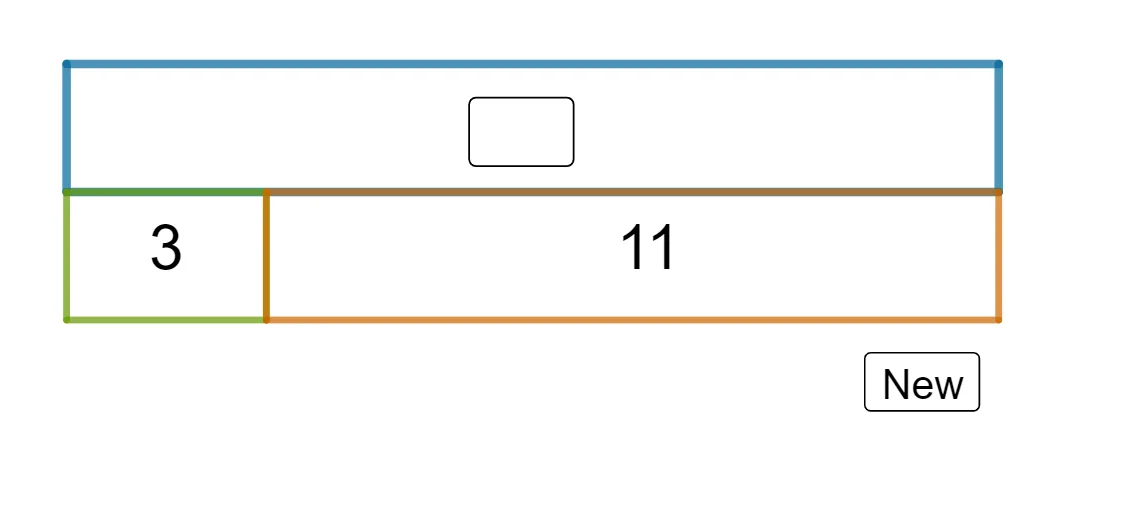
This example demonstrates arithmetic operations (addition and subtraction) on a number bar with geometric constructions. It involves core math concepts like number line representation, arithmetic operations, geometric constructions, and coordinate geometry. GeoGebra commands used include Random, Polygon, Midpoint, and Textfield for creating random elements, shapes, calculating midpoints, and user input. Suitable for elementary and middle school mathematics education to visualize arithmetic and teach geometric construction techniques.
GeoGebra Commands & Parameters
Random(8, 20) → aARandom(2, aA - 2) → bBPolygon(P2, P3, P4, P5) → q1, p2, p3, p4, p5Polygon(P1, P2, P8, P7) → q2, p1, f, p8, p7Polygon(P6, P7, P8, P5) → q3, p6, g, h, iMidpoint(P3, P5) → AMidpoint(P2, P7) → BMidpoint(P8, P6) → CRandom(1, 3) → qQTextfield(stansq1) → InputBox1Textfield(stansq2) → InputBox2Textfield(stansq3) → InputBox3
AI Drawing Prompt Reference
Draw a number line on a coordinate plane to demonstrate addition and subtraction. Create three random polygons and calculate their midpoints. Mark three different points on the number line based on randomly generated values, and input three questions via text fields. Connect the midpoints of the three polygons to form new geometric shapes, visualizing the process of arithmetic operations.
The prompt above was compiled from the original drawing commands and is for reference only.