
Normal Vector Introductory Exercises
Loading the math board and drawing, please wait…
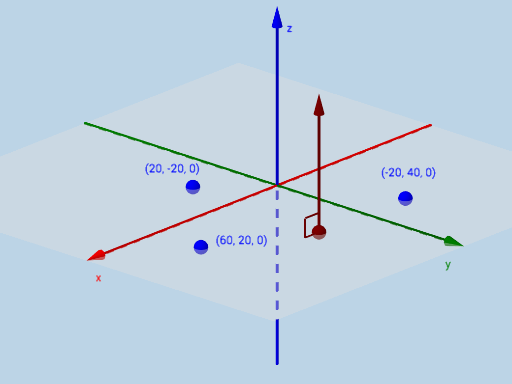
This example demonstrates how to construct the normal vector of a plane and related geometric elements. Core math concepts include vectors, plane equations, right triangles, and orthogonal lines. It uses commands like Plane, PointIn, Line, OrthogonalLine, Sphere, Intersect, Vector, Point, Angle, Mirror in GeoGebra for construction. Suitable for high school students or beginners learning vector and plane geometry.
GeoGebra Commands & Parameters
Plane(B, A, C) → aPointIn(a) → DLine(C, B) → fLine(B, D) → gOrthogonalLine(D, a) → hSphere(D, abs(c)) → bIntersect(g, h) → EIntersect(h, b) → F, GVector(D, F) → uPoint(g) → HAngle(F, D, H) → αMirror(u, a) → u'Angle(G, D, H) → βVector(A, C) → v
AI Drawing Prompt Reference
Draw a plane and mark a point on it. From this point, draw two lines intersecting with one side and another side of the plane. Then, construct a perpendicular line from the point to the plane and draw a sphere centered at this point with a given radius. The perpendicular line intersects the sphere at two points. Connect these points to the original point to form two triangles. Calculate the angles between the point and the other two vertices of one triangle. Draw a vector from the point to one of the intersection points. Finally, reflect this vector across the plane to obtain another vector.
The prompt above was compiled from the original drawing commands and is for reference only.