
Multiply Fractions with Hints
Loading the math board and drawing, please wait…
In collections
Jessica's Fraction Book
Fraction Book
Fraction worksheets
Fraction Skills
Fraction Book
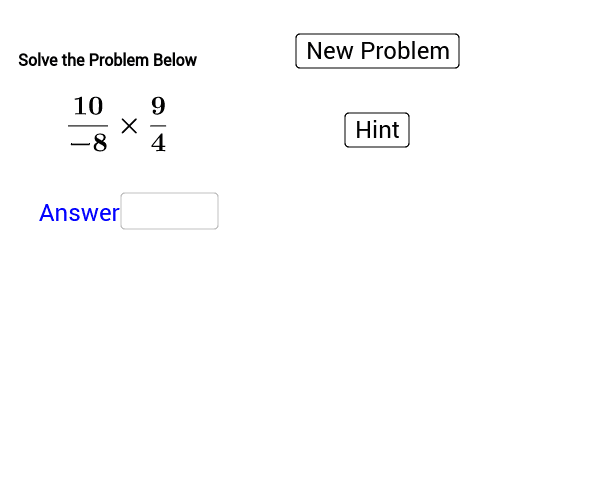
① This interactive example is a practice tool for students to multiply fractions, generating random fraction multiplication problems with step-by-step hints to reinforce the rules of fraction multiplication. ② The core mathematical concept is fraction multiplication, including multiplying numerators and denominators, simplifying, and reducing to lowest terms, with dynamic problem generation and immediate feedback via random numbers and input fields. ③ Construction highlights: from the construction summary, commands such as Random and RandomElement are used to generate random numerators and denominators (objects a, b, c, d), Textfield and inputBox1 create input boxes for student answers, button1 and button2 control problem generation and checking, and text objects (text2, text7, text9, etc.) display the problem, hints, and feedback. The interface is primarily text-based with no complex geometric drawing. ④ Suitable for upper elementary or middle school students learning fraction multiplication, and useful for classroom drills, homework, or self-study to identify common mistakes.
GeoGebra Commands & Parameters
Random(1, 10) → aRandomElement(blist) → bRandom(1, 10) → cRandomElement(blist) → dTextfield(f_1) → inputBox1
AI Drawing Prompt Reference
Create an interactive tool for practicing fraction multiplication. First, generate two random numerators a and c, and two random denominators b and d. Then, ask the user to input the product's numerator and denominator in the input box inputBox1. Finally, use button1 to generate new random problems and button2 to check the user's answers.
The prompt above was compiled from the original drawing commands and is for reference only.