
Multiplication Facts up to 12 with Frequency Visualization
Loading the math board and drawing, please wait…
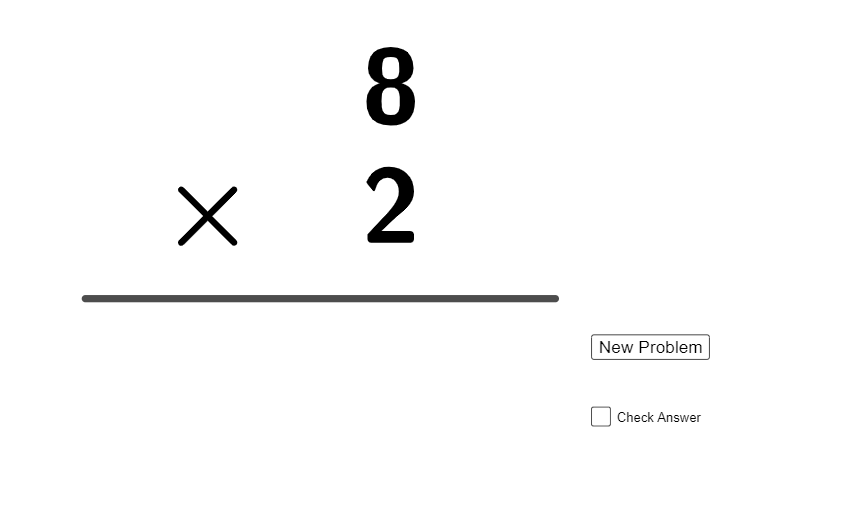
This example interactively demonstrates multiplication facts up to 12 by showing how multiplication results distribute in a frequency-style view. Learners can see which products occur more often and how the set of answers is spread. The key math ideas are multiplication (times tables), mapping inputs to outputs, and basic frequency distribution/statistical thinking using visual representation. From the construction summary, the model uses GeoGebra commands Random and Segment to generate randomized components and geometric segments; objects a, b, c provide the sampled numbers/interval endpoints, while d and e support the computed product or linked representation. text1–text4 display the multiplication expressions and results, f holds an important intermediate or computed quantity, and button1 triggers updates to refresh the randomized generation and visualization. Suitable for primary to early secondary education, classroom practice, and hands-on exploration of both multiplication fluency and intuitive data frequency concepts.
GeoGebra Commands & Parameters
Random(1, 12) → aRandom(1, 12) → bSegment((0, 0), (13, 0)) → fRandom(0, 1) → e
AI Drawing Prompt Reference
Draw a frequency visualization of multiplication facts up to 12. Include random numbers a and b, their product representation, a line segment f from 0 to 13, and a random value e. Text labels text1 to text4 should display multiplication expressions and results. Button button1 should trigger updates to refresh random generation and visualization. The overall design should intuitively show the distribution and frequency of multiplication results, helping learners understand multiplication tables and data frequency concepts.
The prompt above was compiled from the original drawing commands and is for reference only.