
Multiplication Facts Drill
Loading the math board and drawing, please wait…
In collections
Arithmetic: Skills & Concepts
Arithmetic: Skills & Concepts
Arithmetic: Skills & Concepts
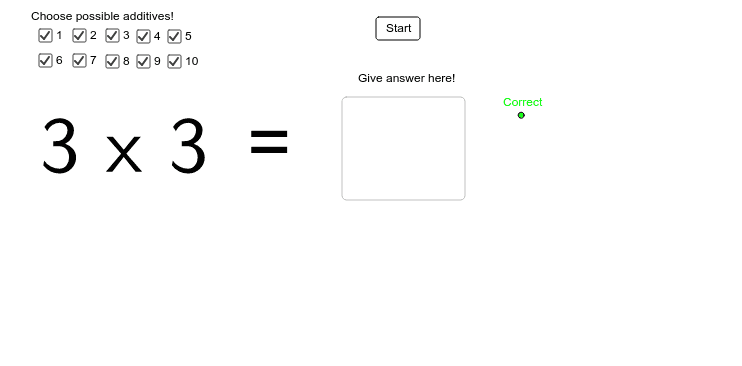
This example demonstrates an interactive tool for practicing multiplication facts. It involves core math concepts like multiplication operations and factor selection. Constructed using GeoGebra commands and objects such as Textfield, Length, Point, Segment, Rotate, Angle, and Sequence, it allows users to choose factors, display results, and provide practice feedback. Suitable for elementary mathematics teaching or self-learning to reinforce multiplication basics.
GeoGebra Commands & Parameters
Textfield(c_{rtext}) → rLength(success_{list}) → successLength(failed_{list}) → failedPoint(Circle[A, 5]) → BSegment(A, B) → dRotate(B, 90*°, A) → B'Angle(B, A, B') → αSegment(A, B') → eSequence(Text[i, (x(A) + i / 2 - 0.06, y(A) - 0.4)], i, 1, 10) → x_{textlist}Sequence(Segment[(x(A) + i / 2, y(A)), (x(A) + i / 2, y(A) + 5)], i, 1, 10) → x_{list}Sequence(Segment[(x(A), y(A) + i / 2), (x(A) + 5, y(A) + i / 2)], i, 1, 10) → y_{list}Sequence(Text[i, (x(A) + i / 2 - 0.06, y(A) + 5.2)], i, 1, 10) → x_{textlist2}Sequence(Text[i, (x(A) + 5.2, y(A) + i / 2 - 0.1)], i, 1, 10) → y_{textlist2}Sequence(Text[i, (x(A) - 0.4, y(A) + i / 2 - 0.1)], i, 1, 10) → y_{textlist}
AI Drawing Prompt Reference
Create an interactive tool for practicing multiplication facts with a text input field, displaying results and feedback. Start with a central point, generate geometric structures using rotations and length calculations. Draw a grid around the center and label numbers to form a multiplication table style, suitable for elementary math teaching or self-learning multiplication basics.
The prompt above was compiled from the original drawing commands and is for reference only.