
Mosaic Practice: Parallelogram/Vector Patterns for Difference and Slope
Loading the math board and drawing, please wait…
In collections
geometriadinamica.es
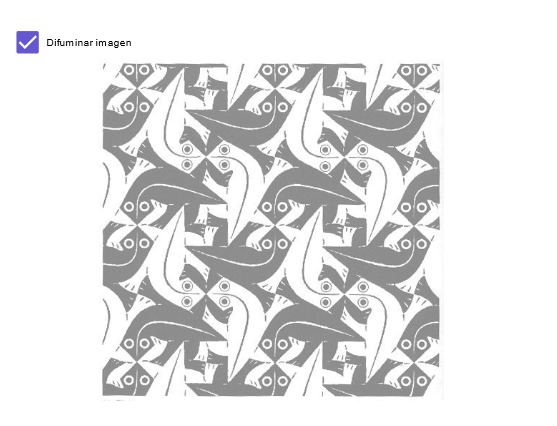
This example demonstrates how to build a “mosaic” (tiling-like) geometric composition by repeatedly constructing a structured pattern, so you can practice comparing segment differences and interpreting slope relations within the layout. The main math ideas are set-based organization of conditions, the interpretation of difference and slope (Δ and slope) when connecting points, and vector thinking—using a vector (as a displacement/direction) to generate corresponding figures. Construction-wise, the setup revolves around the GeoGebra objects in the construct summary: points A and B, the vector a (or related displacement object), and the visual pattern components pic1 and pic2. Using A, B, and a as the generators, you create the geometric modules (pic1/pic2) and reuse the same construction rule across the mosaic to make the underlying slope/vector relationships visible and easy to compare. Suitable for upper-secondary students (geometry/analytic geometry and vector basics) and for early university preparatory learning focused on geometric construction and vector representation.
GeoGebra Commands & Parameters
Point A(-2, -3)Point B(6, -3)Boolean a(true)
AI Drawing Prompt Reference
Create a mosaic pattern composed of parallelograms on a coordinate plane. Start with two points on the same horizontal line: one at (-2,-3) and another at (6,-3), separated by 8 units. Use vector translation to repeatedly generate identical geometric modules along a specific direction, forming a chain of interconnected parallelograms. The pattern should demonstrate vector displacement, segment length differences, and comparisons of slopes between edges, presenting an overall regular tiling geometric layout.
The prompt above was compiled from the original drawing commands and is for reference only.