
Measuring Angles with a Protractor by Tim Brzezinski
Loading the math board and drawing, please wait…
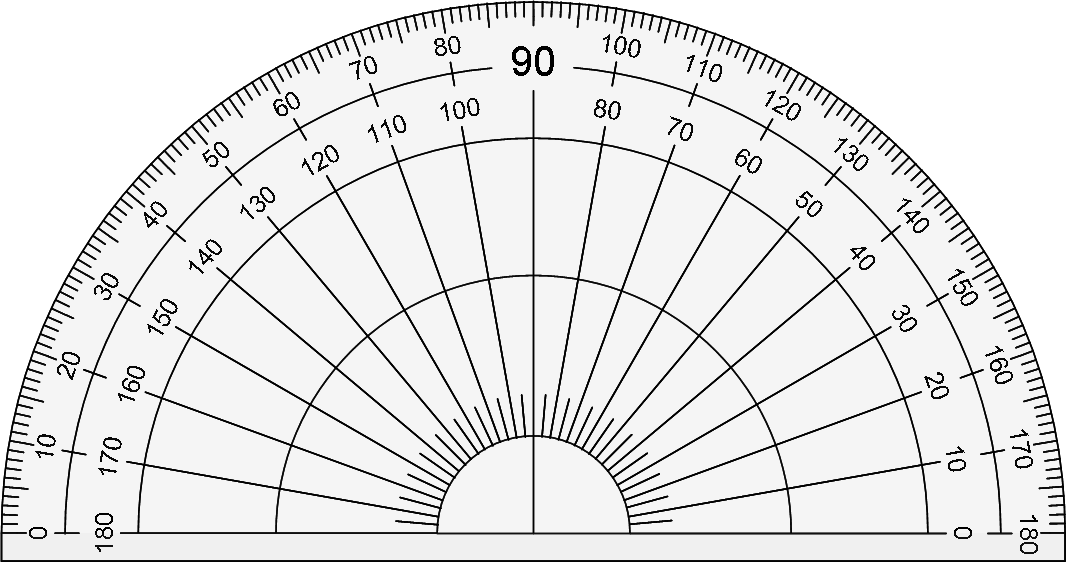
This example demonstrates how to measure angles using a protractor and practice geometric construction. Key mathematical concepts include angle measurement, geometric construction, and coordinate geometry. Construction involves using GeoGebra commands such as Random, Point, Sequence, Rotate, Ray, Angle, and objects like pic1, d, c, A_1, B_1, C_1, D_1, E_1, F_1, list1, A, B, a, b, B', B'', f, g, button2, α, guess, InputBox1, text1, text2, text3, text4, text5. Suitable for middle or high school students learning angle measurement and geometric construction.
GeoGebra Commands & Parameters
Random(-2, 2) → dRandom(-2, 2) → cPoint(Circle[A_1, 5]) → B_1Sequence(((6 * cos(θ°)), (6 * sin(θ°))), θ, 0, 359) → list1Random(5, 175) → aRandom(0, 359) → bRotate(B, (b * pi / 180), A) → B'Rotate(B', (a * pi / 180), A) → B''Ray(A, B') → fRay(A, B'') → gAngle(B', A, B'') → αTextfield(guess) → InputBox1
AI Drawing Prompt Reference
Draw a figure consisting of rays and an angle. Rays originate from point A and point towards B' and B''. B' and B'' are generated through rotation and random points, forming an angle α. A text box is used for input. The figure is suitable for learning angle measurement and geometric construction.
The prompt above was compiled from the original drawing commands and is for reference only.