
Matrix and Vector Operations
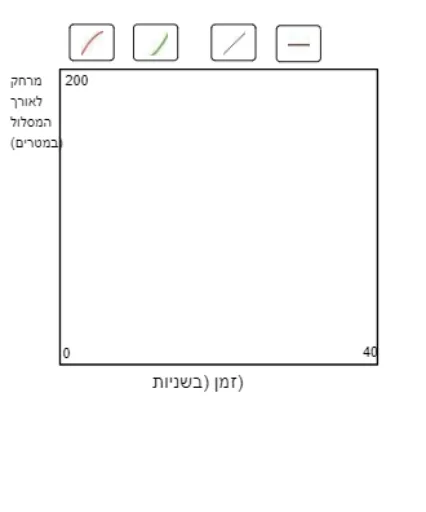
Loading the math board and drawing, please wait…
This example demonstrates basic matrix and vector operations using GeoGebra. By examining the commands in the construction summary, one can understand how to create matrices, vectors, and perform arithmetic operations. Core mathematical concepts include matrix operations and vector geometry. Suitable for high school mathematics education and learning.
GeoGebra Commands & Parameters
Line(C, xAxis) → iLine(D, i) → jPoint(i) → EOrthogonalLine(E, i) → kIntersect(j, k) → FPoint(i) → HOrthogonalLine(H, i) → lPoint(l) → IOrthogonalLine(I, l) → qPoint(l) → JOrthogonalLine(J, l) → rPoint(q) → LOrthogonalLine(L, q) → sIntersect(s, r) → MTextfield(t) → InputBox4Polygon({(0, 0), (40, 0), (40, 200), (0, 200)}) → poly2Textfield(n_1) → InputBox7RotateText(" distance along track (meters)", 90°) → text8Point(yAxis) → SSegment(S, T) → g_1Intersect(f_1, g_1) → UIntersect(p_1, g_1) → WPolygon((0, 3), (200, 3), (200, -5), (0, -5)) → poly1, b, c, e, i_1Segment((0, 1.4), (200, 1.4)) → j_1Segment((0, -0.2), (200, -0.2)) → k_1Segment((0, -1.8), (200, -1.8)) → l_1Segment((0, -3.4), (200, -3.4)) → m_1TableText({{tab_5, tab_1, tab_2, tab_3, tab_4}, {A2, B2, C2, D2, E2}, {A3, B3, C3, D3, E3}, {A4, B4, C4, D4, E4}, {A5, B5, C5, D5, E5}, {A6, B6, C6, D6, E6}, {A12, B12, C12, D12, E12}}, "|_") → text7
AI Drawing Prompt Reference
Draw a geometric figure demonstrating matrix and vector operations. Start by drawing the x-axis and y-axis, then create vector i and j, draw the perpendicular line of vector i, which intersects at point F. Next, draw the perpendicular line of vector j, point H, the perpendicular line of H, point I, the perpendicular line of I, which intersects at point M. Finally, draw a rectangle poly2, a text box InputBox4, and some segments and polygons to represent distance and track.
The prompt above was compiled from the original drawing commands and is for reference only.