
Magnitude and Direction of Vector v = <2, -3>
Loading the math board and drawing, please wait…
In collections
UCSS Secondary Math I Unit 6 Lesson 3
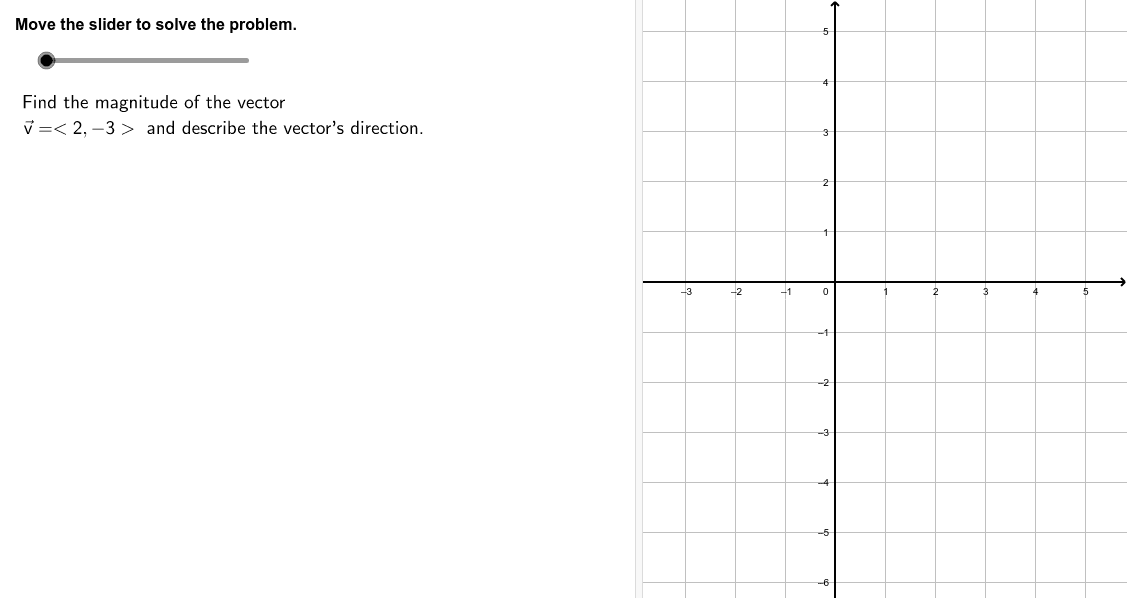
This GeoGebra example demonstrates the geometric calculation of the magnitude and direction of the 2D vector v = <2, -3>. The core mathematical concepts include vector coordinates, the Euclidean norm formula for magnitude, and the use of trigonometric functions to resolve the direction angle in the correct quadrant. In terms of construction, it leverages GeoGebra commands such as Segment, Angle, Product, and TableText to dynamically render the vector v, directional guides, and step-by-step algebraic formulas. This visual tool is ideal for high school precalculus, introductory linear algebra courses, or self-study students aiming to bridge geometric intuition with algebraic vector operations.
GeoGebra Commands & Parameters
Product(Zip[Element[f, 1]^(Mod[Element[f, 2], 2]), f, Factors[m2]]) → m2sfAngle(P2, P1, P0) → αSegment(P0, P1) → aSegment(P1 + (0, (-0.5)), P2 + (0, (-0.5))) → b1Segment(P1, P2) → bSegment(P0 - (0.5, 0), P1 - (0.5, 0)) → a1TableText({{Formula2a, "\textsf{Magnitude formula}"}, {Formula2b, "\textsf{Substitute.}"}, {Formula2c, "\textsf{Simplify.}"}, {Formula2d, " "}}, "l") → work2
AI Drawing Prompt Reference
Draw a geometric representation of the 2D vector v = <2, -3>. Show the vector coordinates, the Euclidean norm formula for magnitude, and the direction angle α. Include the vector v's representation, the angle α's annotation, and step-by-step algebraic formulas. The graphic should clearly show the vector's position and direction in the coordinate system to help understand its magnitude and direction.
The prompt above was compiled from the original drawing commands and is for reference only.