
Magnitude and Direction of Vector PQ
Loading the math board and drawing, please wait…
In collections
UCSS Secondary Math I Unit 6 Lesson 3
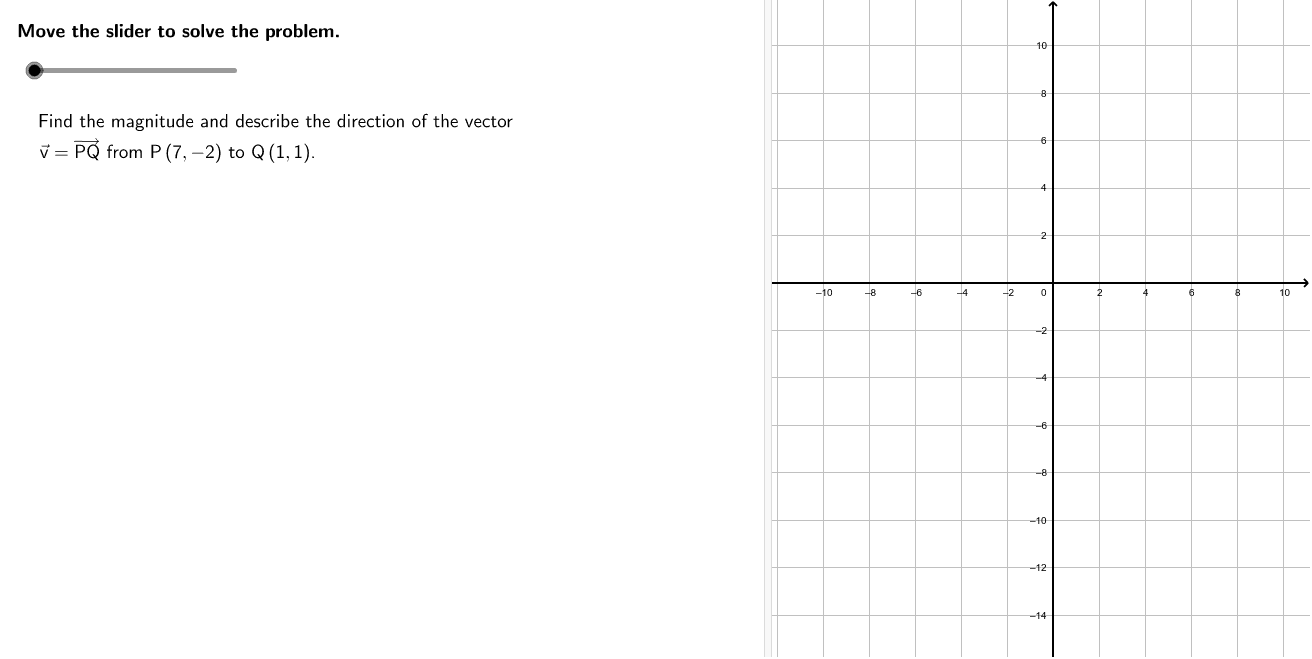
This example demonstrates how to calculate the magnitude of vector PQ and describe its direction using coordinates. Key concepts include the magnitude of a vector and its direction angle. GeoGebra commands used include Vector, Angle, and Segment. Suitable for middle school math education.
GeoGebra Commands & Parameters
Product(Zip[Element[f, 1]^(Mod[Element[f, 2], 2]), f, Factors[m2]]) → m2sfAngle(P2, P1, P0) → αSegment(P0, P1) → aSegment(P1 + (0, (-0.5)), P2 + (0, (-0.5))) → b1Segment(P1, P2) → bSegment(P0 - (0.5, 0), P1 - (0.5, 0)) → a1GCD(v1, v2) → CommFactVector(P, Q) → vTableText({{Formula2a, "\textsf{Magnitude formula from the Pythagorean Theorem}"}, {Formula2b, "\textsf{Substitute.}"}, {Formula2c, "\textsf{Simplify.}"}, {Formula2d, " "}}, "l") → work2TableText({{Formula2e, "\textsf{Magnitude formula from the distance formula}"}, {Formula2f, "\textsf{Substitute.}"}, {Formula2b, "\textsf{Simplify.}"}, {Formula2d, " "}}, "l") → work3
AI Drawing Prompt Reference
Draw vector PQ with its starting point P and ending point Q, and calculate its magnitude and direction. First, draw segment P0P1, then draw perpendicular segment b1 to P1, followed by segment P1P2, and draw parallel segment b to P1. Finally, draw parallel segment a1 to P0. Use the right triangle P0P1P2 to calculate the magnitude of vector PQ, and determine its direction through angle calculation.
The prompt above was compiled from the original drawing commands and is for reference only.