
Lines for Equations x=a and y=c
Loading the math board and drawing, please wait…
In collections
Coordinate Geometry of Straight Lines (E Math)
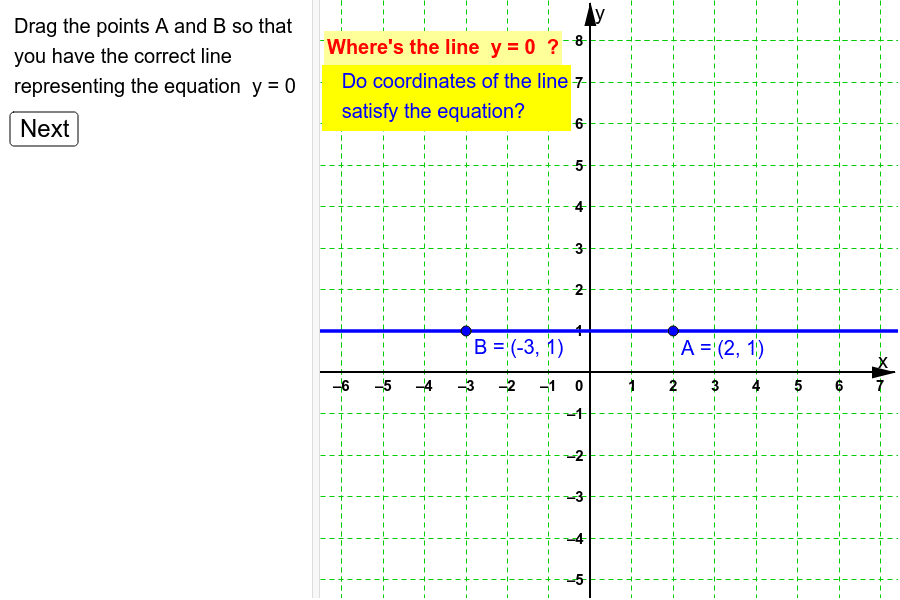
This example demonstrates how to position vertical or horizontal lines representing the equations x=a or y=c. It involves core math concepts like equation representation, linear functions, geometric interpretation of straight lines, and algebra. The construction uses GeoGebra commands/objects such as Random, Line, Element, If, and objects like c_y, c_x, l_2, l_1, A, B, l_u, listlines, linenumber, l_s, button1, showfeedback, answercorrect, text1, text3, text2. It is suitable for high school students learning analytical geometry, particularly for practicing the correspondence between algebraic equations and geometric graphs, serving as a practical tool for understanding and mastering line positioning and equation interpretation.
GeoGebra Commands & Parameters
Random(-3, 4) → c_yRandom(-4, 5) → c_xLine(A, B) → l_uRandom(1, 2) → linenumberElement(listlines, linenumber) → l_sIf(l_s ≟ l_u, true, false) → answercorrect
AI Drawing Prompt Reference
Draw two perpendicular lines, one vertical through a randomly chosen x-coordinate and one horizontal through a randomly chosen y-coordinate, representing the equations x=a and y=c, and highlight one of the lines to practice the correspondence between algebraic equations and geometric graphs.
The prompt above was compiled from the original drawing commands and is for reference only.