
Kite Maker
Loading the math board and drawing, please wait…
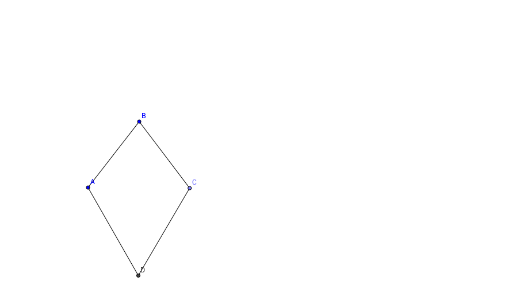
This example demonstrates how to use GeoGebra to create a kite. Key mathematical concepts include angles and transformations. Using commands like Segment, Circle, Point, and Intersect, the kite shape is constructed. Suitable for middle school and above students or teachers.
GeoGebra Commands & Parameters
Segment(A, B) → aCircle(B, A) → cPoint(c) → CSegment(B, C) → bCircle(C, A) → dCircle(A, C) → eIntersect(d, e, 1) → DSegment(A, D) → fSegment(C, D) → g
AI Drawing Prompt Reference
Draw a kite shape. Start by drawing segment AB, then draw a circle with center B and point A on it to find point C. Next, draw segment BC, and draw another circle with center C and radius CA, finding intersection point D. Finally, draw segments AD and CD to complete the kite.
The prompt above was compiled from the original drawing commands and is for reference only.