
Parallelogram Maker: Dynamic Construction and Exploration
Loading the math board and drawing, please wait…
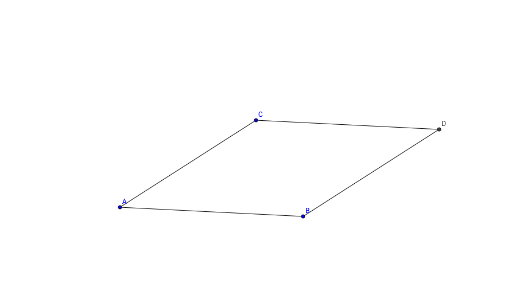
① This example demonstrates how to dynamically construct a parallelogram using a given segment and a point in GeoGebra, showing the relationships among vertices, sides, and diagonals. ② Core mathematical concepts include the definition and properties of parallelograms, vector translation, geometric transformations (translation/rotation), and the connection between triangles and quadrilaterals. ③ Construction highlights: Based on the construction summary, it uses Segment to create base AB, Line to construct parallel lines, Intersect to determine vertex D, and objects A, B, C, D along with auxiliary lines a, b, c, d, e, f to complete the figure; users can drag point C to change the shape and observe that the parallelogram always holds. ④ Suitable for middle school geometry teaching, dynamic geometry demonstrations, and student-led exploration of parallelogram theorems and properties, as well as for teachers creating interactive lessons.
GeoGebra Commands & Parameters
Segment(A, B) → aLine(C, a) → bSegment(C, A) → cLine(B, c) → dIntersect(b, d) → DSegment(C, D) → eSegment(B, D) → f