
Rectangle Maker
Loading the math board and drawing, please wait…
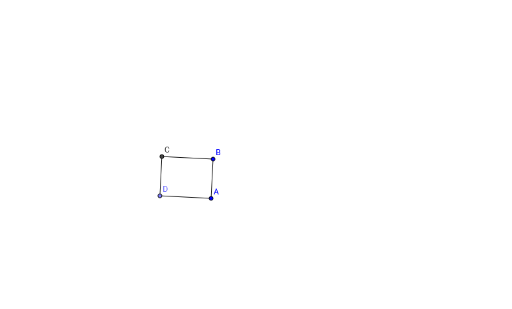
This example demonstrates how to create a rectangle using GeoGebra. Key mathematical concepts include geometric construction and coordinate geometry. By using commands such as Segment, OrthogonalLine, Point, and Intersect, users can easily create a rectangle. Suitable for middle school and above students or teachers for teaching and learning geometric construction.
GeoGebra Commands & Parameters
Segment(A, B) → aOrthogonalLine(A, a) → bOrthogonalLine(B, a) → cPoint(b) → DOrthogonalLine(D, b) → dIntersect(c, d) → CSegment(D, C) → eSegment(C, B) → fSegment(A, D) → g
AI Drawing Prompt Reference
Draw a rectangle. Start with a horizontal segment as the base. From each endpoint of the base, draw a perpendicular line upward, creating two vertical sides. Pick a point on one of these vertical lines to serve as one upper vertex. Through that point, draw a line perpendicular to the vertical side, intersecting the other vertical line to find the fourth vertex. Finally, connect the four vertices to complete the rectangle.
The prompt above was compiled from the original drawing commands and is for reference only.