
Introduction to Large Numbers
Loading the math board and drawing, please wait…
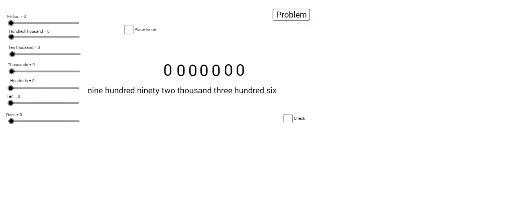
This example demonstrates how to construct and display large numbers by their names using GeoGebra. Core math concepts include number systems, integers, and stochastic processes. Key GeoGebra commands and objects used are Random, Text, Element, and elements like gen, HundredThousand, TenThousand, etc., to simulate random generation and display of large numbers. Suitable for middle school students and above to learn number systems and large number representation, as well as for probability statistics education.
GeoGebra Commands & Parameters
Random(1, 9) → genRandom(0, (999 * gen / gen)) → A2Random(0, (9 * gen / gen)) → A3Random(0, (9 * gen / gen)) → A4Random(0, (9 * gen / gen)) → A5Random(0, (9 * gen / gen)) → A1Text(B1) → B2Random(1, 70) → A10Element(list1, A10) → A15Element(list2, A10) → B15Element(list1, A10) → A11Element(list2, A10) → B11
AI Drawing Prompt Reference
Display how to construct and display large numbers by their names, by randomly generating digits and combining them into large number formats, including units, tens, hundreds, etc., with text showing these large numbers, suitable for learning number systems and probability statistics.
The prompt above was compiled from the original drawing commands and is for reference only.