
Interactive Rectangle (Integers)
Loading the math board and drawing, please wait…
In collections
Addition and Subtraction
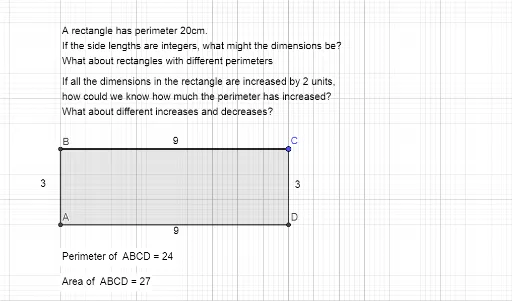
This example demonstrates how to construct a rectangle using integers and shows the perimeter through geometric construction. Key mathematical concepts include integers, rectangles, and coordinate geometry. Using GeoGebra commands such as Intersect, OrthogonalLine, and Polygon, the length of the rectangle's sides can be dynamically changed. Suitable for middle school and above students to learn geometric construction and coordinate geometry.
GeoGebra Commands & Parameters
Intersect(xAxis, yAxis) → AOrthogonalLine(C, yAxis) → fOrthogonalLine(C, xAxis) → gIntersect(f, yAxis) → BIntersect(g, xAxis) → DPolygon(A, B, C, D) → q1, a, b, c, dPerimeter(q1) → perimeterq1PointIn(q1) → Pointq1_1PointIn(q1) → Pointq1