
Interactive Number Comparison with Scatter Visualization
Loading the math board and drawing, please wait…
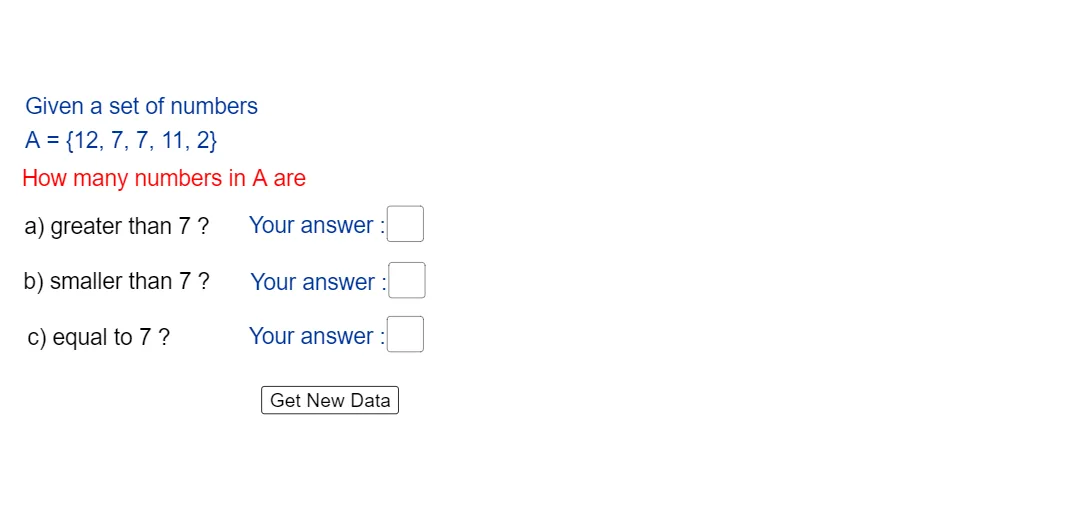
This example demonstrates how to compare numerical values (typically integers or discrete numbers) using interactive inputs and randomly generated samples, then visualize the outcome with scatter-style graphics and clear result labels. The key mathematics includes arithmetic reasoning, integer sets, inequality-based comparisons (greater/less relationships), and conditional counting via CountIf. Construction highlights: Random generates candidate numbers within bounds; Min and Max establish the range limits; CountIf counts how many values satisfy the chosen inequality condition. Textfield and InputBox objects provide user interaction and parameter entry, while multiple text objects (e.g., intermediate labels and final “*ans” result displays) present the computed comparison statistics. The approach is built directly from the commands and objects listed in the construct summary: Random, Min, Max, CountIf, Textfield, along with input boxes, buttons, and answer text. Suitable for middle and high school instruction on inequalities, integers, and data/condition counting, and for exploratory geometry/graphing activities.
GeoGebra Commands & Parameters
Random(1, 20) → aRandom(1, 20) → eRandom(1, 20) → dRandom(1, 20) → cRandom(1, 20) → bMin(A) → SMax(A) → LCountIf(x > m, A) → ALCountIf(x < m, A) → ASCountIf(x ≟ m, A) → AETextfield(ALans) → InputBox1Textfield(ASans) → InputBox2Textfield(AEans) → InputBox3
AI Drawing Prompt Reference
Create an interactive graph to compare numerical values and visualize the results. Generate five random integers as samples and determine the minimum and maximum values to set the range. Count the number of samples that satisfy user-defined inequality conditions (greater than, less than, or equal to). Display the statistics in text fields and represent samples satisfying different conditions with distinct colors or markers in a scatter plot. Include a slider to control the inequality condition, updating the statistics and graph display in real-time.
The prompt above was compiled from the original drawing commands and is for reference only.