
Find Maximum and Minimum from a Number Set
Loading the math board and drawing, please wait…
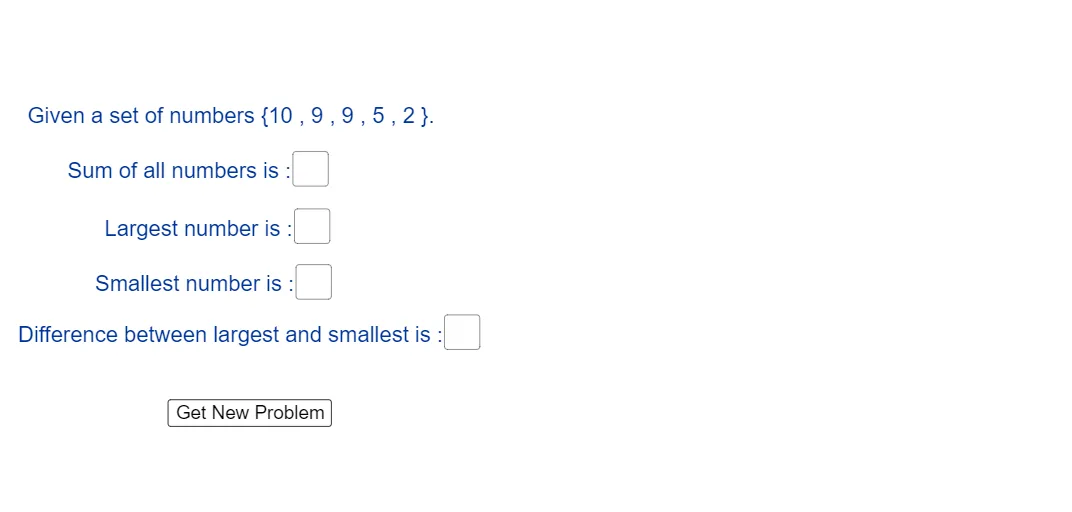
This example demonstrates how to automatically identify the largest and smallest values from a given set of numbers, along with related simple computed quantities (e.g., sum and differences). It focuses on fundamental math concepts: extrema on a finite set (max/min), basic arithmetic with integers/numbers, and expressing basic statistical characteristics through aggregate operations. In GeoGebra, the construction uses Random to generate/provide a set of elements (objects a, b, c, d, e), then applies Max, Min, and Sum to compute the extremal and summary results. Textfield together with input and display objects (InputBox1–InputBox4, text1–text5) is used to present the computed values. The key computed outputs are max, min, sum and their shown forms maxAns, minAns, sumAns, and diffAns. A reset_button supports repeated experimentation. Suitable for middle school math lessons and classroom activities on data handling, arithmetic, and introducing extremum/optimization-like thinking without advanced calculus.
GeoGebra Commands & Parameters
Random(1, 10) → aRandom(1, 10) → bRandom(1, 10) → cRandom(1, 10) → dRandom(1, 10) → eMax(A) → maxMin(A) → minSum(A) → sumTextfield(maxAns) → InputBox1Textfield(minAns) → InputBox2Textfield(diffAns) → InputBox3Textfield(sumAns) → InputBox4
AI Drawing Prompt Reference
Create a set of five random numbers and calculate their maximum, minimum, and sum. Display the maximum, minimum, and sum in separate text boxes, and calculate the difference between the maximum and minimum values. Include a reset button to regenerate random numbers and update the calculations.
The prompt above was compiled from the original drawing commands and is for reference only.