
Interactive Linear Equation from Any Two Points
Loading the math board and drawing, please wait…
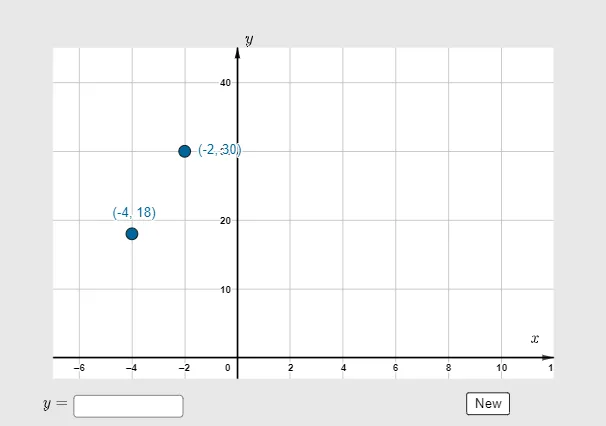
This interactive GeoGebra example demonstrates how to determine the linear equation of a line passing through any two randomly generated points, while allowing users to input their own coordinates for verification. The core mathematical concepts include the slope-intercept form (y = mx + b), slope calculation, point-slope and general form conversions, and intersections with axes. The construction uses the Random command to generate points A and B, Max/Min to set coordinate bounds, Polygon for auxiliary shapes, Textfield and InputBox for interactive input, Vector to display direction vectors, a button to re-randomize, and the function g to display the line equation with the answer object providing the solution. This resource is suitable for middle and high school students learning coordinate geometry and linear functions, as well as for teachers demonstrating in class or for self-exploration, helping to intuitively grasp the geometric meaning that two points determine a line.
GeoGebra Commands & Parameters
Random(-5, 5) → aRandom(-2, 20) → bRandom(-5, 7) → dRandom(2, 5) → cMax({y(A) + 10, y(B) + 10, p + 10, 10}) → ymaxMin({y(A) - 10, y(B) - 10, p - 10, -10}) → yminPolygon({C1, C2, C3, C4}) → q1Textfield(f) → InputBox1Vector((0, ymax - (1.5 * yscale)), (0, ymax - yscale)) → vVector((10, 0), (12, 0)) → u