
Interactive Addition and Subtraction of Fractions
Loading the math board and drawing, please wait…
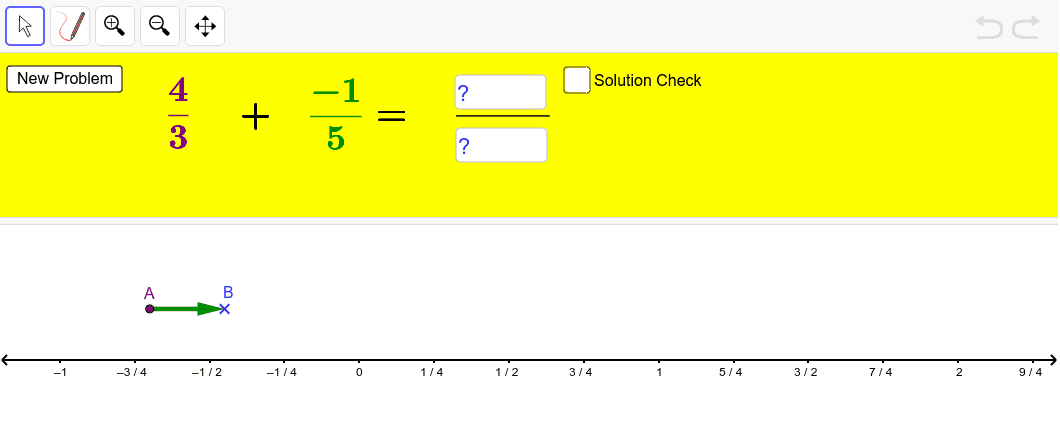
① This GeoGebra example demonstrates the addition and subtraction of fractions through an interactive interface, allowing users to input numerators and denominators and see the result. ② The core mathematical concepts are fraction addition and subtraction, including common denominators and simplification, visualized geometrically. ③ Construction highlights: Random generates random fractions, If handles special cases, OrthogonalLine and Vector build fraction bars or number lines, Element and Textfield manage input and display, Segment draws segments to represent fractions, and InputBox plus button enable interactive input and calculation triggering. ④ Suitable for upper elementary to middle school students learning fraction operations, and useful for teachers as a classroom demonstration tool to visualize fraction arithmetic.
GeoGebra Commands & Parameters
Random(1, 5) → bRandom(1, 2) → hRandom(-5, 5) → aRandom(-5, 5) → cRandom(1, 5) → dIf(d ≟ b, -2, d) → nIf(h ≟ 1, e + g, e - g) → iIf((e ≤ i) ∧ (e ≤ g), e - 1, If[(i < e) ∧ (i ≤ g), i - 1, g - 1]) → xMinOrthogonalLine(A, yAxis) → fVector(A, B) → uElement(list1, h) → text2Textfield(j) → InputBox1Textfield(k) → InputBox2Segment(A, E) → pSegment(B, F) → qIf((e ≥ i) ∧ (e ≥ g), e + 1, If[(i > e) ∧ (i ≥ g), i + 1, g + 1]) → xMax