
Inscribed Angle Theorem Interactive Investigation
Loading the math board and drawing, please wait…
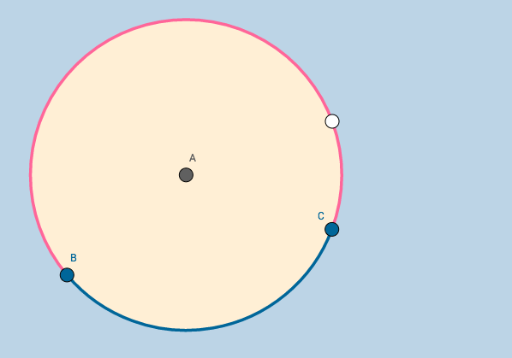
This example demonstrates the geometric properties of the Inscribed Angle Theorem through interactive manipulation. It involves core concepts like circles, angles, and the Inscribed Angle Theorem itself. Construction highlights include using GeoGebra commands such as Point, Circle, and CircleArc. Suitable for middle school and above mathematics learners to understand the theorem and its applications.
GeoGebra Commands & Parameters
Point(xAxis) → ACircle(A, B_1) → cPoint(c) → CPoint(c) → BCircleArc(A, C, B) → dCircleArc(A, B, C) → e
AI Drawing Prompt Reference
Start by placing a point on the horizontal axis as the center, then draw a circle with this center and another given point on the circle. Pick two distinct points on the circle, and connect each to the center with a radius. Next, construct two circular arcs both starting from the center: one arc goes from the first circle point to the second, and the other goes from the second back to the first. The final figure shows a circle, two radii, and two complementary arcs, illustrating how the angle at the center relates to the arc between the two circle points.
The prompt above was compiled from the original drawing commands and is for reference only.