
Inscribe a Regular Hexagon
Loading the math board and drawing, please wait…
In collections
Basic Construction Activities
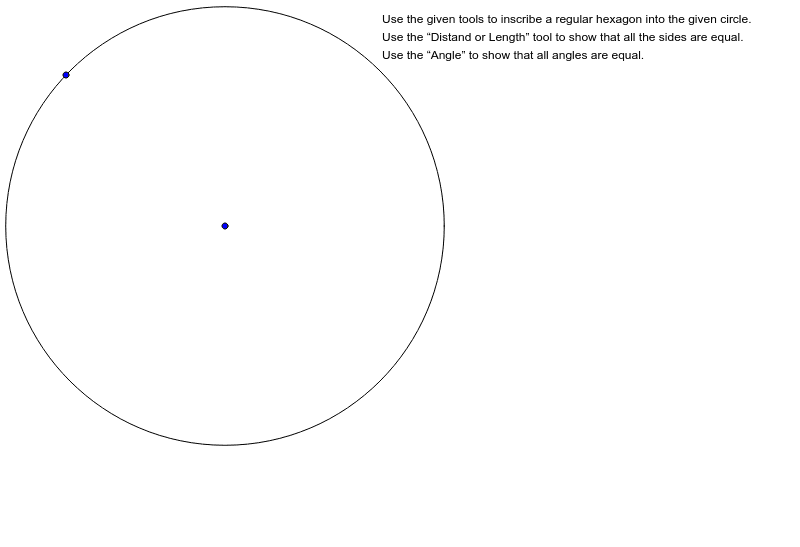
This example demonstrates how to draw a regular hexagon using GeoGebra. Key mathematical concepts include polygons, circles, and rotation. By constructing a circle and using the rotation command, a precise regular hexagon can be drawn. Suitable for middle and high school geometry education, this example helps students understand polygon properties and rotation transformations.
GeoGebra Commands & Parameters
Circle(A, B) → c
AI Drawing Prompt Reference
Draw a regular hexagon by first drawing a circle, then rotating one of its points 60 degrees around the center of the circle, repeating this process five more times. Each rotation will create a new point, and together with the center, these points form the hexagon.
The prompt above was compiled from the original drawing commands and is for reference only.