
Incircle and Reflection Construction
Loading the math board and drawing, please wait…
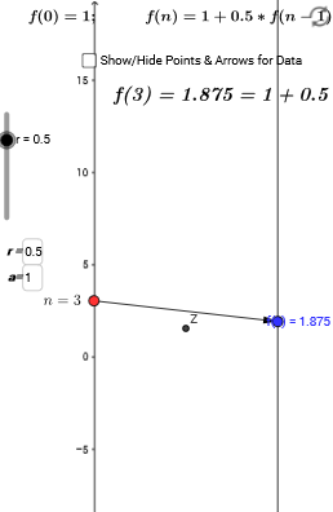
This example demonstrates the construction of a triangle's incircle and its reflection properties, involving core math concepts like incircle, reflection, logarithmic functions, polynomial functions, and vector operations. It uses GeoGebra commands such as Point, Vector, Sequence, and Textfield. Suitable for high school mathematics teaching, illustrating the integration of geometric transformations and function graphs.
GeoGebra Commands & Parameters
Point(yAxis) → AVector(A, B) → uSequence(Vector[(0, x(Element[list1, j])), (2, y(Element[list1, j]))], j, 1, 13) → list2Textfield(r) → inputBox1Textfield(a) → inputBox2
AI Drawing Prompt Reference
Draw a triangle's incircle and illustrate its reflection properties. Start by plotting a point on the y-axis and creating a vector from this point to another. Then generate a sequence of vectors based on a list, transforming each element linearly from the origin. Include two text fields for inputting parameters r and a. Combine all elements and relationships into a single graphic to showcase the geometric transformations and function graphs involving the incircle and reflection.
The prompt above was compiled from the original drawing commands and is for reference only.