
IM 6.1.13 Lesson: Polyhedra – Activity 2
Loading the math board and drawing, please wait…
In collections
Grade 6 Unit 1: Area and Surface Area
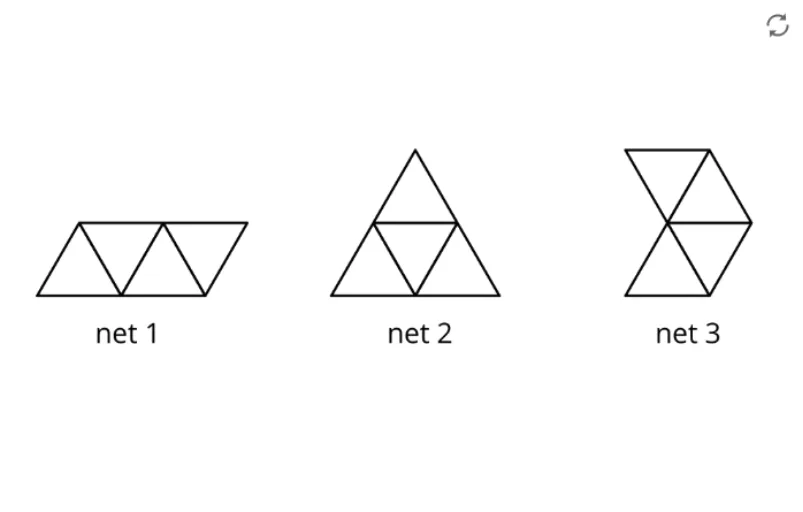
This example illustrates the structure of polyhedra, helping students explore faces, edges, and vertices and understand key concepts such as Euler’s formula. Constructed with GeoGebra, it uses points A and B and the pic1 object to draw polyhedral models, providing a clear visual aid for learning solid geometry. Ideal for middle‑school (grades 6‑9) geometry lessons and geometric construction activities.
GeoGebra Commands & Parameters
Point A(-11.437978615763924, 3.898588037677943)Point B(1.7371044205899988, 3.898588037677943)
AI Drawing Prompt Reference
Draw two horizontally aligned points on the canvas, one far to the left and one to the right, sharing the same vertical coordinate; these points serve as the initial vertices for building a polyhedron model, illustrating faces, edges, and vertices. The construction begins with these two base points, which will later be connected to form the edges and faces of the solid, providing a clear visual aid for understanding Euler’s formula.
The prompt above was compiled from the original drawing commands and is for reference only.